CSV Connector
Overview
The CSV connector is a system-provided connector that reads entities from a CSV file and can write or delete records when using a supported location. It is useful for file-based integrations, implementation scaffolding, and test scenarios that do not require a live target system.
Technical Requirements
There are no explicit requirements for this connector following installation.
Usage
A CSV connector encapsulates the information present in a single CSV file.
| Reading | Yes |
| Writing | Local files and via SSH agent only |
| Deleting | Local files and via SSH agent only |
| Polling | No |
Schema
Fields in a CSV connector schema refer to the individual CSV heading fields in the target CSV file.
TIP
Heading fields of a CSV file are the corresponding values in the first row.
Taking the following CSV file as an example:
id,name
1,james
2,fred
3,bobTIP
The available heading fields would be id and name.
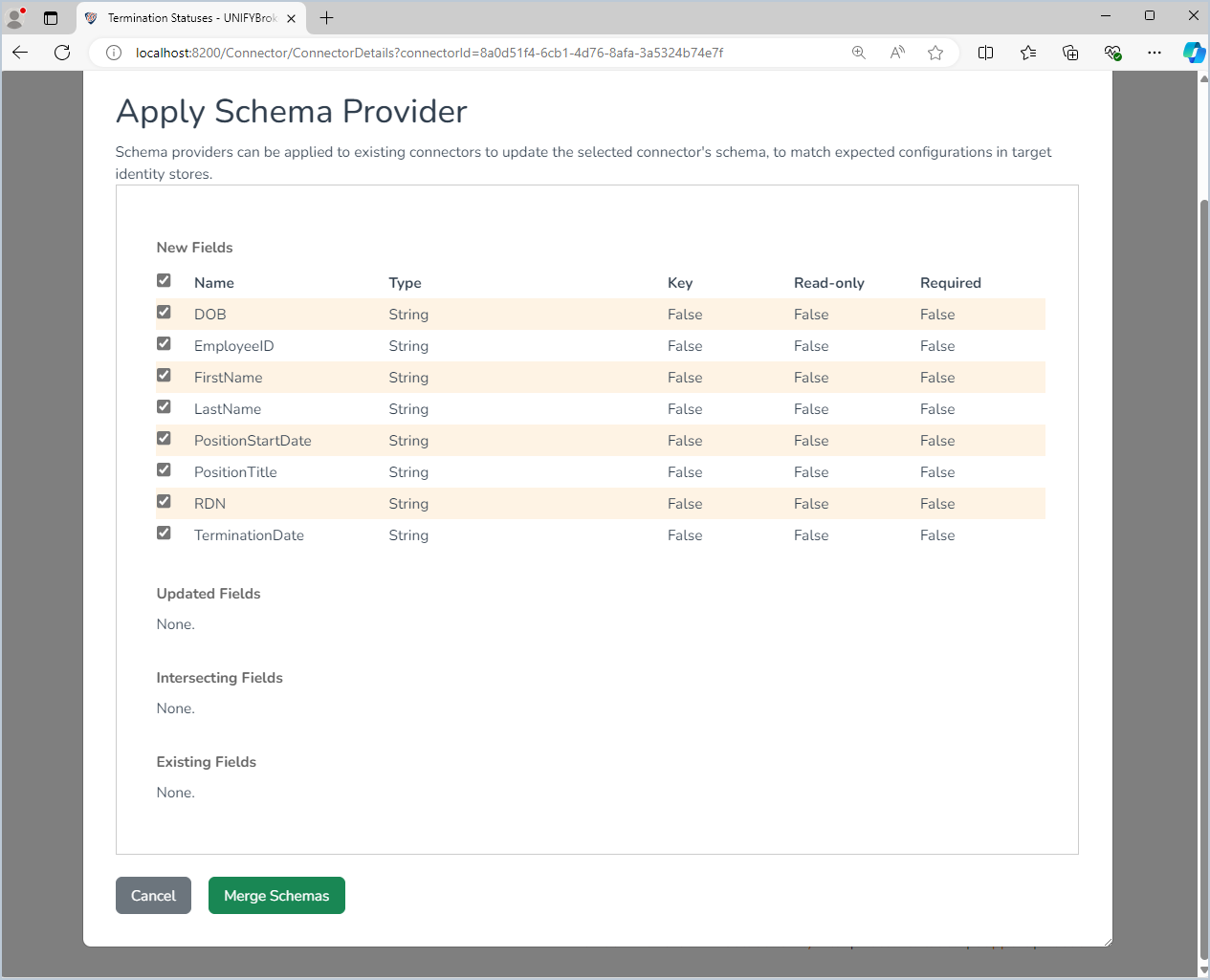
The schema provider for this connector will retrieve the available headings as string fields.
Configuration
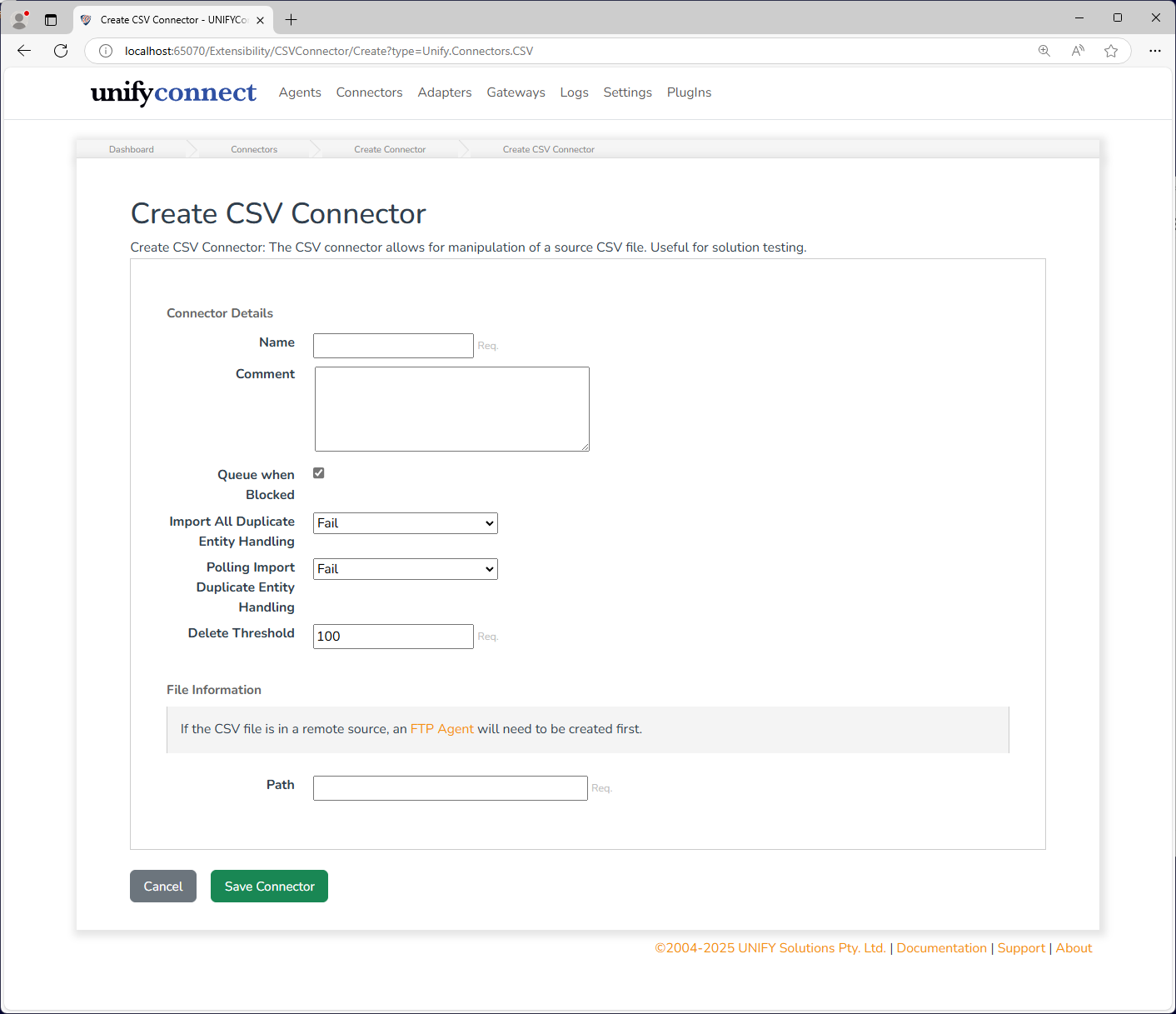
The CSV connector can access both local and remote CSV files.
| Name | Description |
|---|---|
| Location | The location of the CSV file. |
| Agent | When Remote Server is selected for the Location option, allows the choice of available SSH or FTP agents. This option only shows if existing SSH or FTP agents are configured. |
| Path | The path to the CSV file. Use a full path (for example, C:\logs\logfile.csv) for local files, or a path relative to the remote file server for remote files. |