Windows Event Log Writer
Overview
The windows event log writer can be used to write log entries to one of the predefined windows event logs or a custom log.
Considerations
As UNIFYConnect can create a lot of log information, it is recommended this be used where a strict filtering level has been set in order to not flood the Windows Event Log with items.
For this logger to work, the Microsoft .NET configuration must allow the UNIFYConnect service account the EventLogPermissionAccess.Write permission which is demanded for writing to the Windows Event Log.
Configuration
The windows event log writer requires the following by way of configuration:
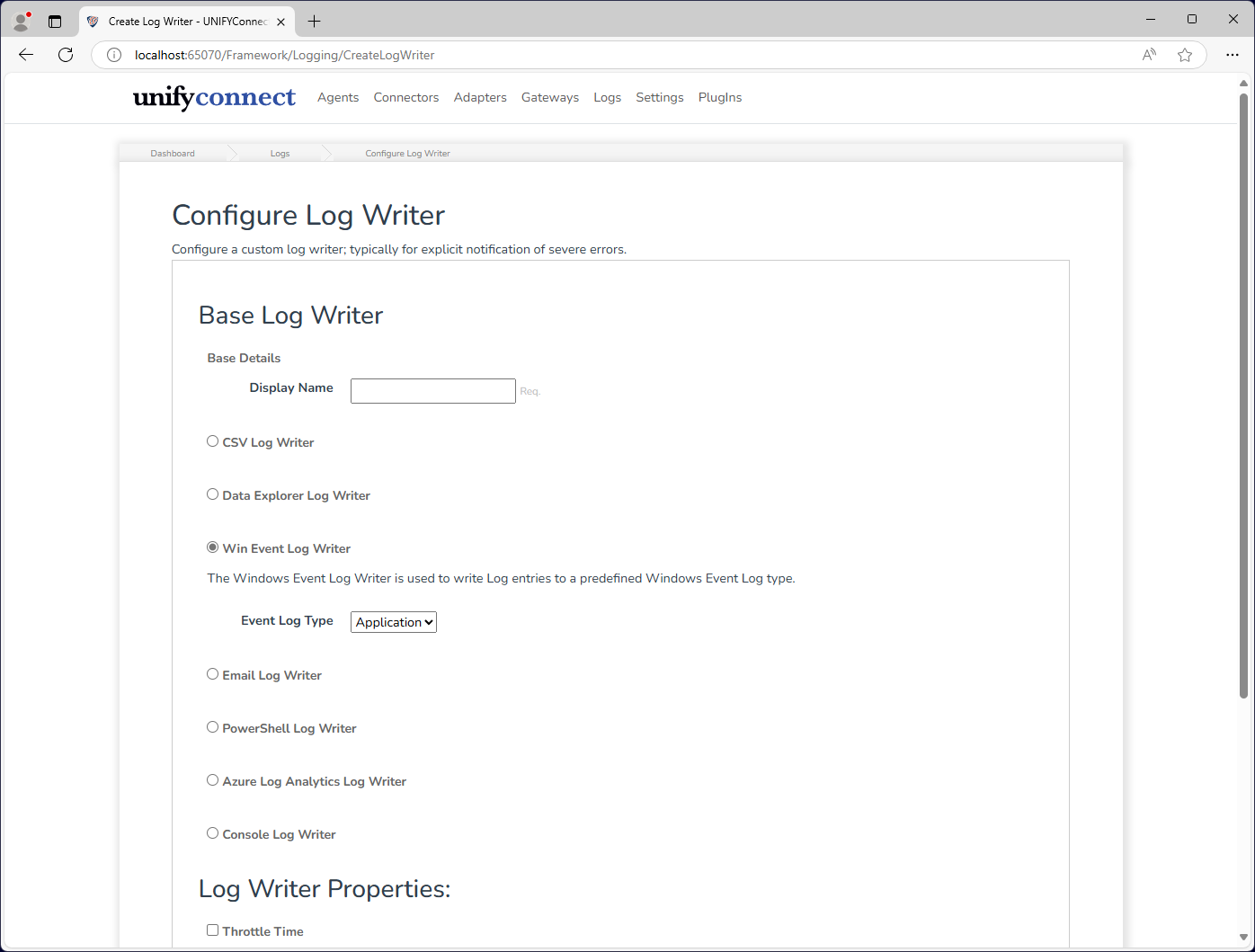
| Name | Description |
|---|---|
| Event Log Type | The type of event log to write to: Application, Custom, Security, System |
In order for a log to be written to, Windows needs to be restarted after the creation of the Log Writer.
Windows Application Event Log
The Windows Application Event Logger can be used to write log entries to the Windows Application Event Log.
Windows Custom Event Log
The Windows Custom Event Logger can be used to write log entries to a custom Windows Event Log.
WARNING
A custom event log is not created until an entry is written to it. Check the Event Viewer that the custom log has been created before restarting Windows or UNIFYConnect will not write to the correct log.
Windows Security Event Log
The Windows Security Event Logger can be used to write log entries to the Windows Security Event Log.
There are no options for this type of logger.
Windows System Event Log
The Windows System Event Logger can be used to write log entries to the Windows System Event Log.
There are no options for this type of logger.