Scheduled Jobs
Overview
At the heart of UNIFYConnect lies a powerful scheduling engine. Scheduled jobs expose this scheduling engine to allow for any number of jobs to be scheduled to perform required tasks through the use of PowerShell scripts.
Configuration
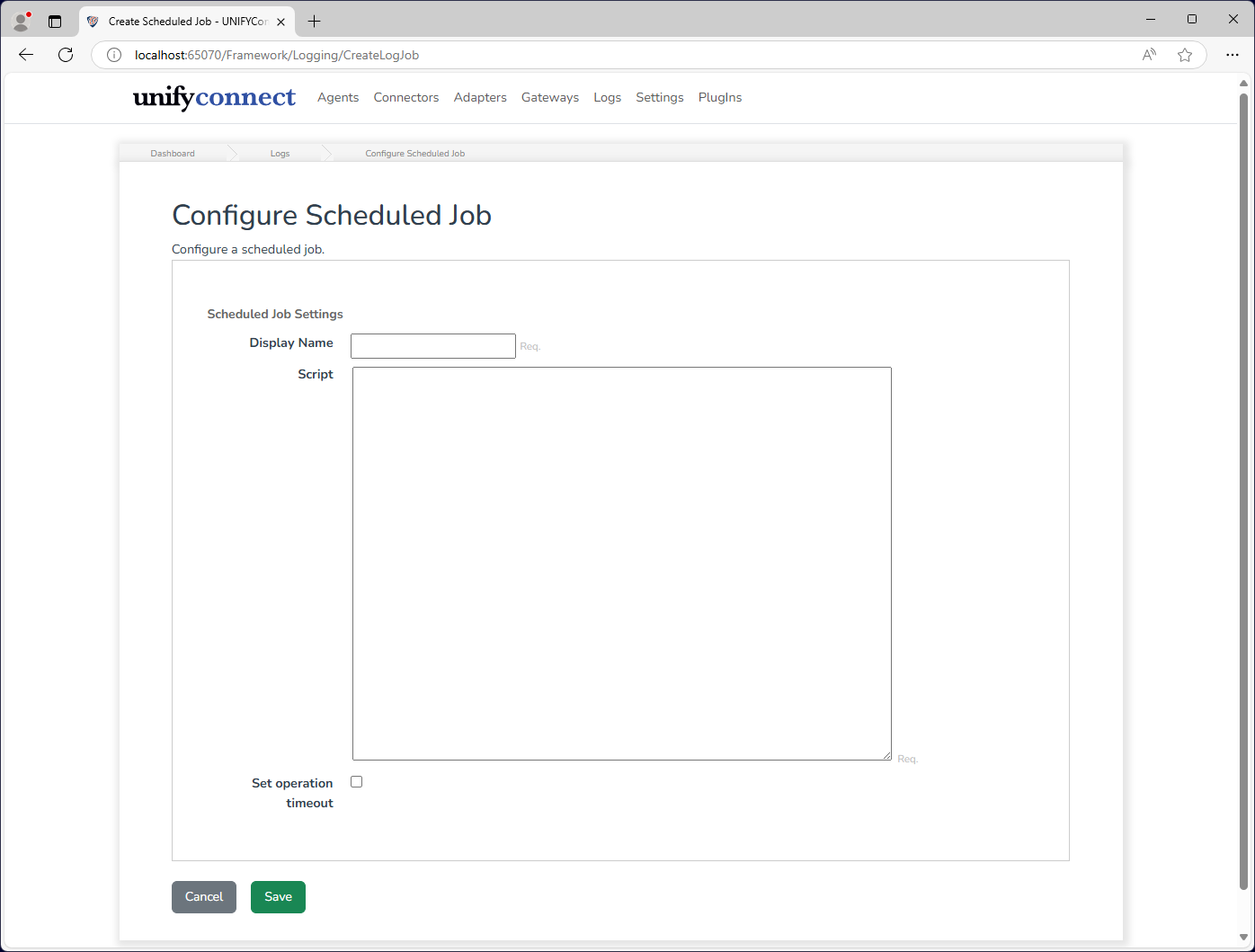
The Scheduled Job can be configured from the Logs tab and requires the following by way of configuration:
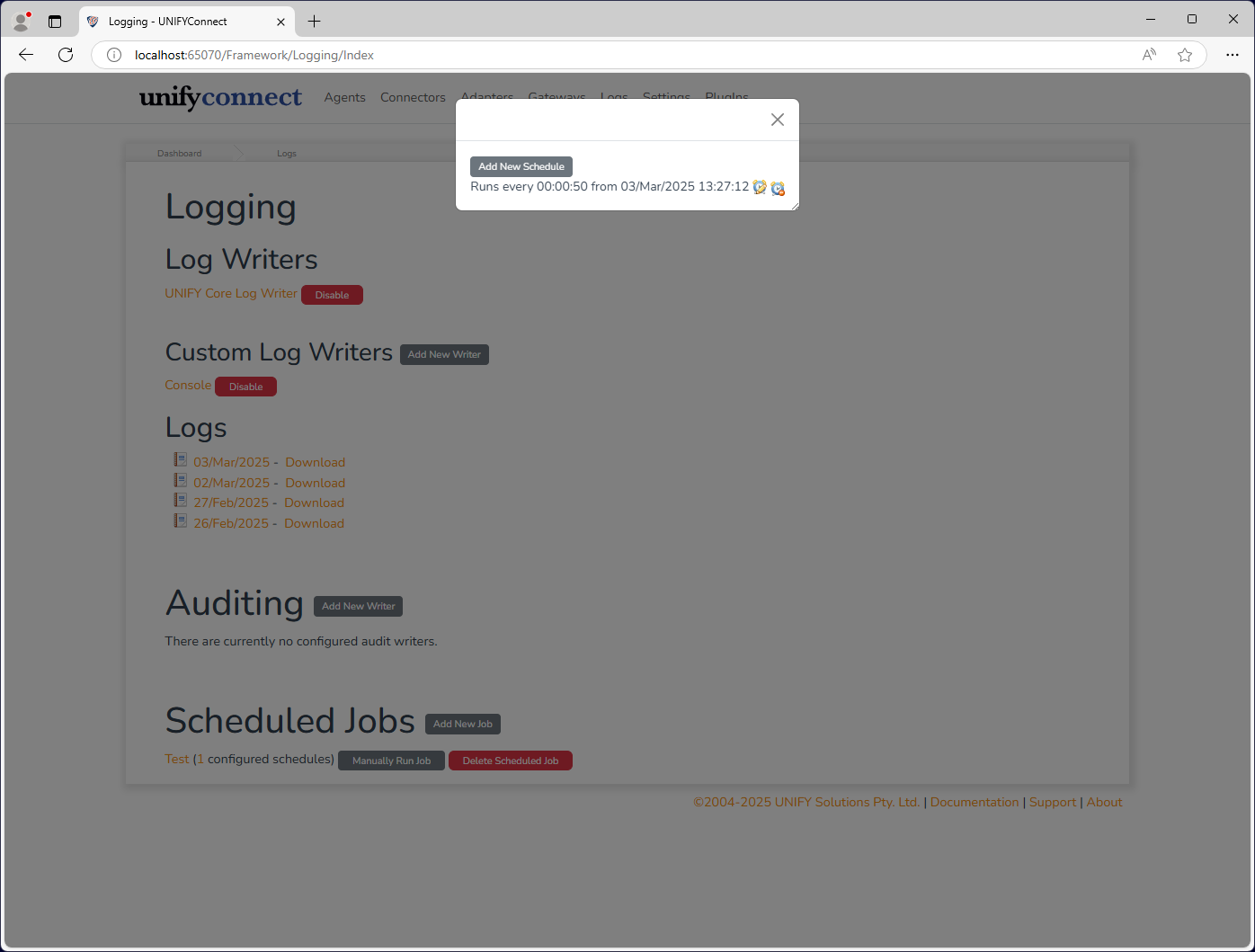
You can then add schedules to the job by clicking the number of configured schedules.
| Attribute | Description |
|---|---|
| Name | The display name of the log job which is used for identification throughout UNIFYConnect. |
| Script | The script to be executed when the job is run. |
Available Resources
The following resources are made available to the script.
| Parameter | Description |
|---|---|
$logger | Allows log entries to be raised, see Logging for details on using this object. |
$components.ConfigurationEngine | Provides access to the configuration engine. |
$components.AgentEngine | Provides access to the agent engine. |
$components.ConnectorEngine | Provides access to the connector engine. |
$components.AdapterEngine | Provides access to the adapter engine. |
$components.GatewayEngine | Provides access to the gateway engine. |
$components.LDAPEngine | Provides access to the LDAP engine. |
$components.EntityRepository | Provides access to the data/entity repository. |
$components.AdapterEntityRepository | Provides access to the adapter entity repository. |
$components.ChangesRegisterEngine | Provides access to the change detection engine. |
Operation Timeout
Scheduled Jobs provide the option to set an operation timeout for the job script. If enabled, UNIFYConnect will forcibly terminate the execution of a PowerShell script once the configured duration has passed.
WARNING
The termination of an executing PowerShell script from an exceeded operation timeout may result in an undesired state, depending on the script and its behaviour. In these cases, it is recommended to handle the termination gracefully from within the script where this is possible, and rely on the operation timeout for cases where it is not.