Entity Viewer
Overview
The UNIFYConnect entity viewer shows the current state of a connector or adapter entity. Open it by selecting the value in the Entity ID column on the Entity Search page.
Usage
The entity viewer shows the entity ID, partition ID, creation and modification times, and all values for the selected entity. Use the refresh button to reload the entity without closing the viewer.
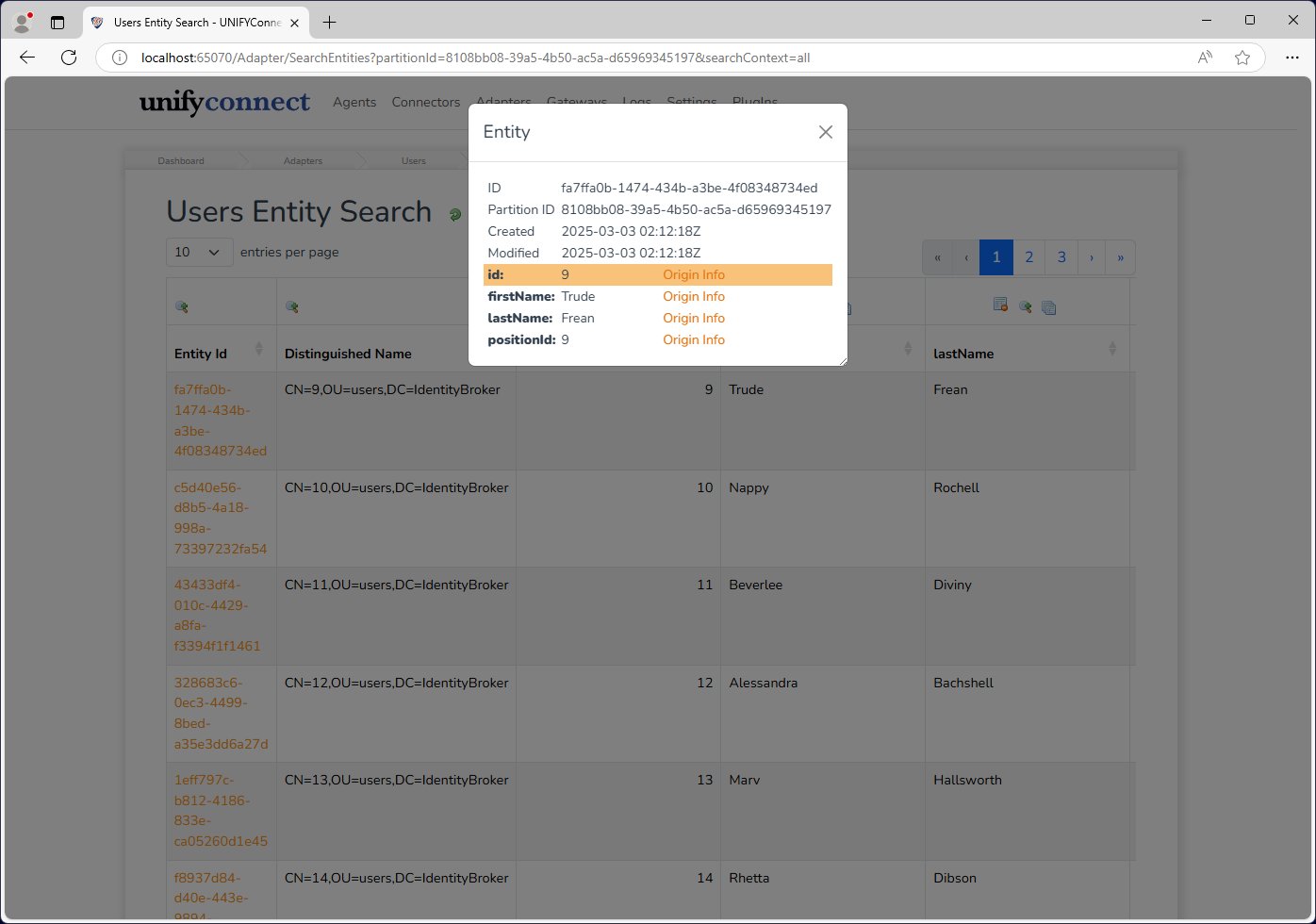
When an adapter entity has registered future-dated changes, the viewer shows a Future-dated Changes count. Select the count to see the UTC timestamps at which those changes are scheduled to take effect.
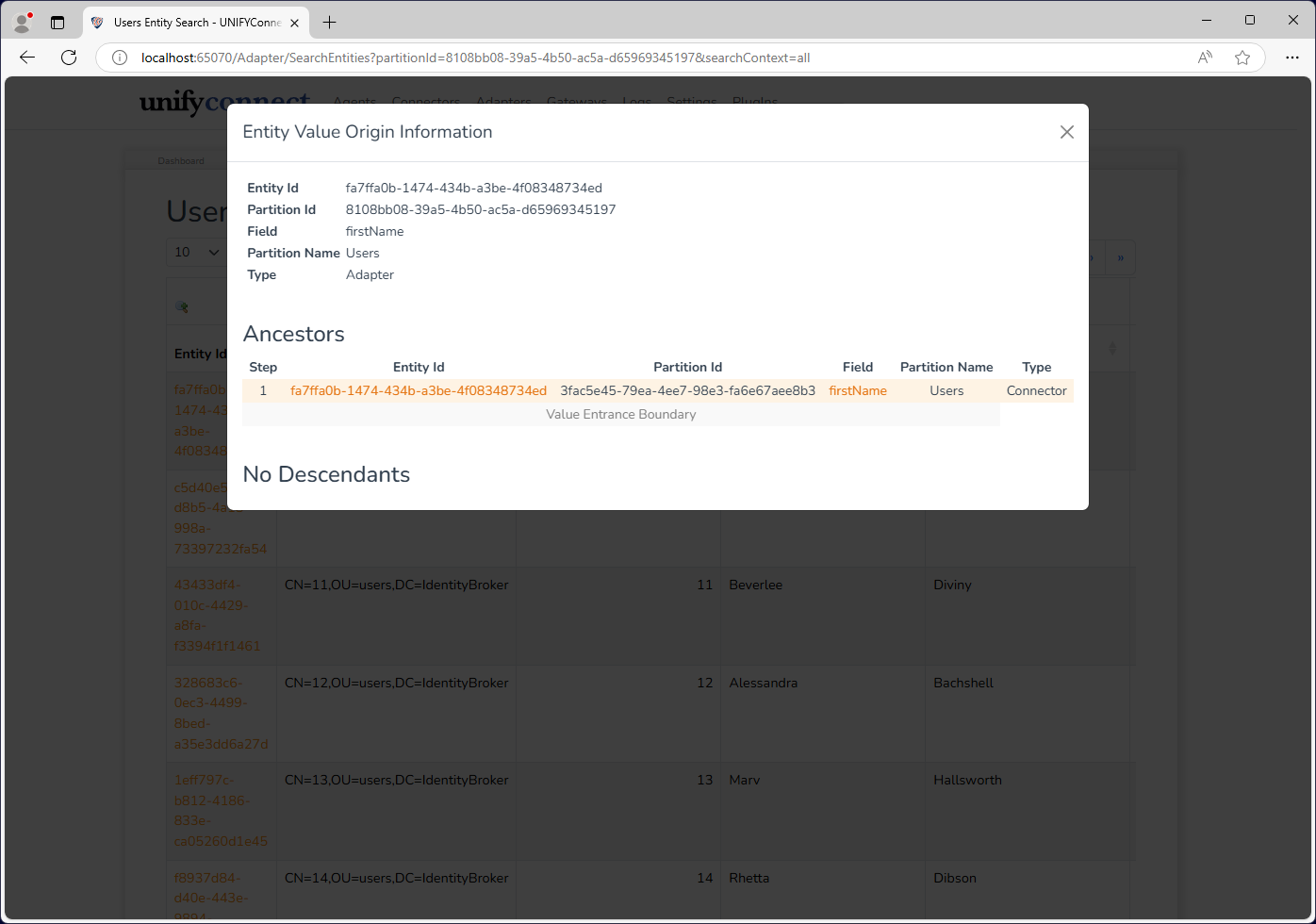
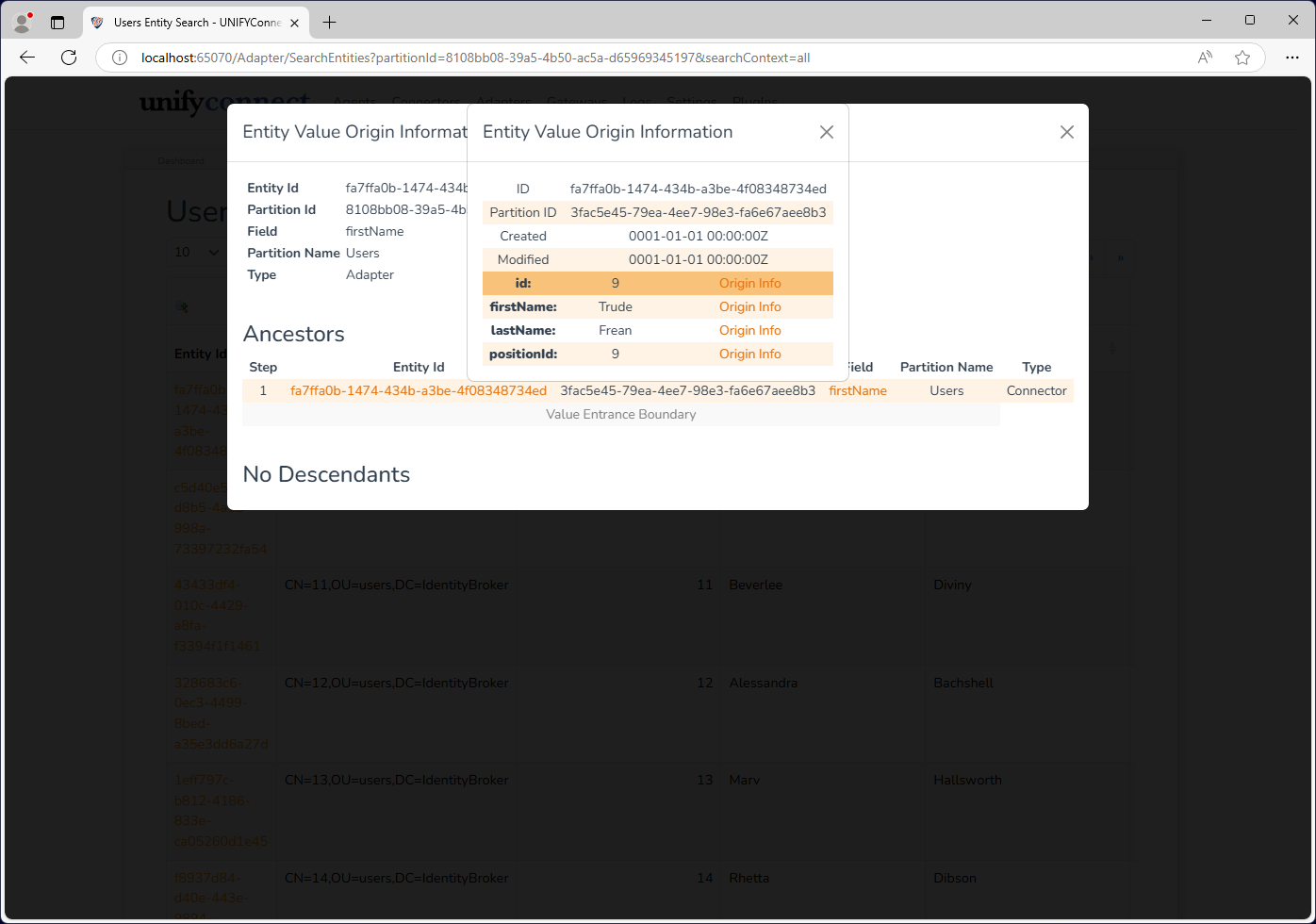
For each entity value, select Origin Info to view its ancestors and descendants. Ancestors show where the value came from; descendants show where the value will propagate.
In the following example, the origin information for the firstName field identifies the source entity. Select its entity ID to open that entity's details.