Legacy SCIM Gateway
INFO
This page documents the legacy version of the SCIM gateway, available in UNIFYBroker v5.3 and older. The gateway in this form is no longer available. The documentation for the current SCIM gateway can be found here: SCIM Gateway.
Overview
UNIFYBroker can act as a SCIM 2.0 server, enabling interactions with identity managers and cloud platforms using the SCIM 2.0 specification.
Usage
A SCIM gateway enables create/read/update/delete operations against the adapter entity contexts in UNIFYBroker using the SCIM 2.0 specification. For details on the specification, see rfc7643.
Configuration
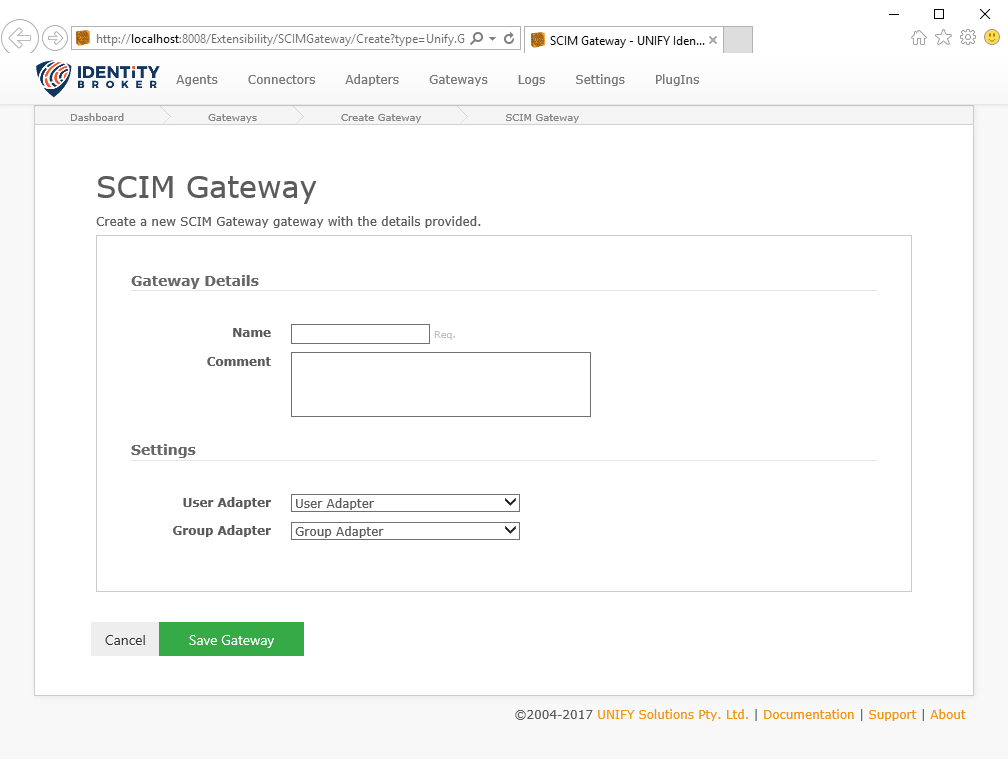
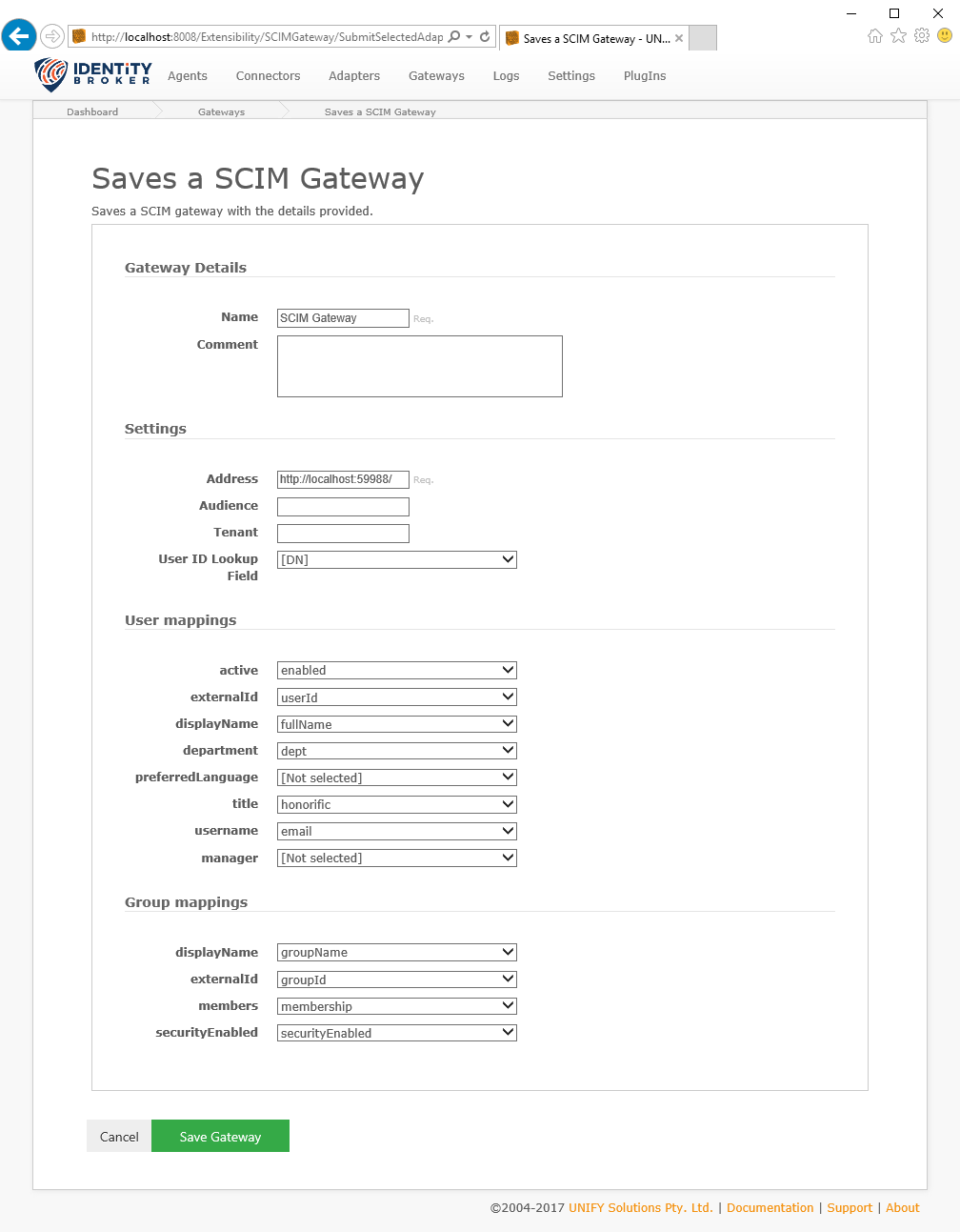
In addition to the common gateway configuration shared by all gateways, the SCIM gateway requires the following by way of configuration:
| Name | Supports References | Description |
|---|---|---|
| User Adapter | no | The target adapter that contains User objects. |
| Group Adapter | no | The target adapter that contains Group objects. |
| Address | yes | The address that the endpoint is hosted on. |
| Audience | yes | The optional audience claim to validate. This value is provided by the service provider and is often of the form of a unique identifier. If provided, the authentication bearer token must contain an audience claim with this value. |
| Tenant | yes | The optional tenant claim to validate. This value is provided by the service provider, and is often part of the url for the directory, e.g. <a href="https://{tenant}.example.com/">https://{tenant}.example.com/</a>. If provided, the authentication bearer token must contain an tenant claim with this value. |
| User ID Lookup Field | no | The field in the User Adapter to use when looking up the ID for references, e.g. for Manager and Members. |
| User mappings | no | Schema mapping between SCIM fields and Adapter fields for the User object. |
| Group mappings | no | Schema mapping between SCIM fields and Adapter fields for the Group object. |
SCIM Attribute Mapping
The following tables details the mappings and the SCIM attribute path they get mapped to.
User
| Mapping | SCIM Attribute Path |
|---|---|
| active | active |
| externalId | externalId |
| displayName | displayName |
| department | department |
| preferredLanguage | preferredLanguage |
| title | title |
| username | username |
| manager | manager |
| employeeNumber | employeeNumber |
| faxNumber | phoneNumbers[type eq "fax"].value |
| givenName | name.givenName |
| workEmail | emails[type eq "work"].value |
| mobilePhoneNumber | phoneNumbers[type eq "mobile"].value |
| workPostalCode | addresses[type eq "work"].postalCode |
| otherEmail | emails[type eq "other"].value |
| otherAddressFormatted | addresses[type eq "other"].formatted |
| workStreetAddress | addresses[type eq "work"].streetAddress |
| familyName | name.familyName |
| workPhoneNumber | phoneNumbers[type eq "work"].value |
| organization | urn:ietf:params:scim:schemas:extension:enterprise:2.0:User:organization |
| division | urn:ietf:params:scim:schemas:extension:enterprise:2.0:User:division |
| workLocality | addresses[type eq "work"].locality |
| workCountry | addresses[type eq "work"].country |
| workRegion | addresses[type eq "work"].region |
| costCenter | urn:ietf:params:scim:schemas:extension:enterprise:2.0:User:costCenter |
| formattedName | name.formatted |
Group
| Mapping | SCIM Attribute Path |
|---|---|
| displayName | displayName |
| externalId | externalId |
| members | members |
| securityEnabled | securityEnabled |
Azure AD Configuration
When configuration the Azure AD enterprise applications provisioning for use with the SCIM Gateway ensure the following are addressed:
- The Tenant URL must be provided in the form of
<host>:<port>/scim. Historically AAD enterprise apps added the/scimpath automatically. For new configurations it must be added manually. - The Secret Value must be left empty. If a value is provided it will be used as the authentication bearer token, which is not compatible with the SCIM gateway. Left empty, a bearer token will be generated by Azure AD, and this is what the SCIM gateway expects.