Secret Token Authentication
The secret token authentication scheme authenticates SCIM requests using opaque secret token, generated and managed by UNIFYConnect.
Configuration
There is no additional configuration required to the gateway when using this authentication scheme.
Token Generation
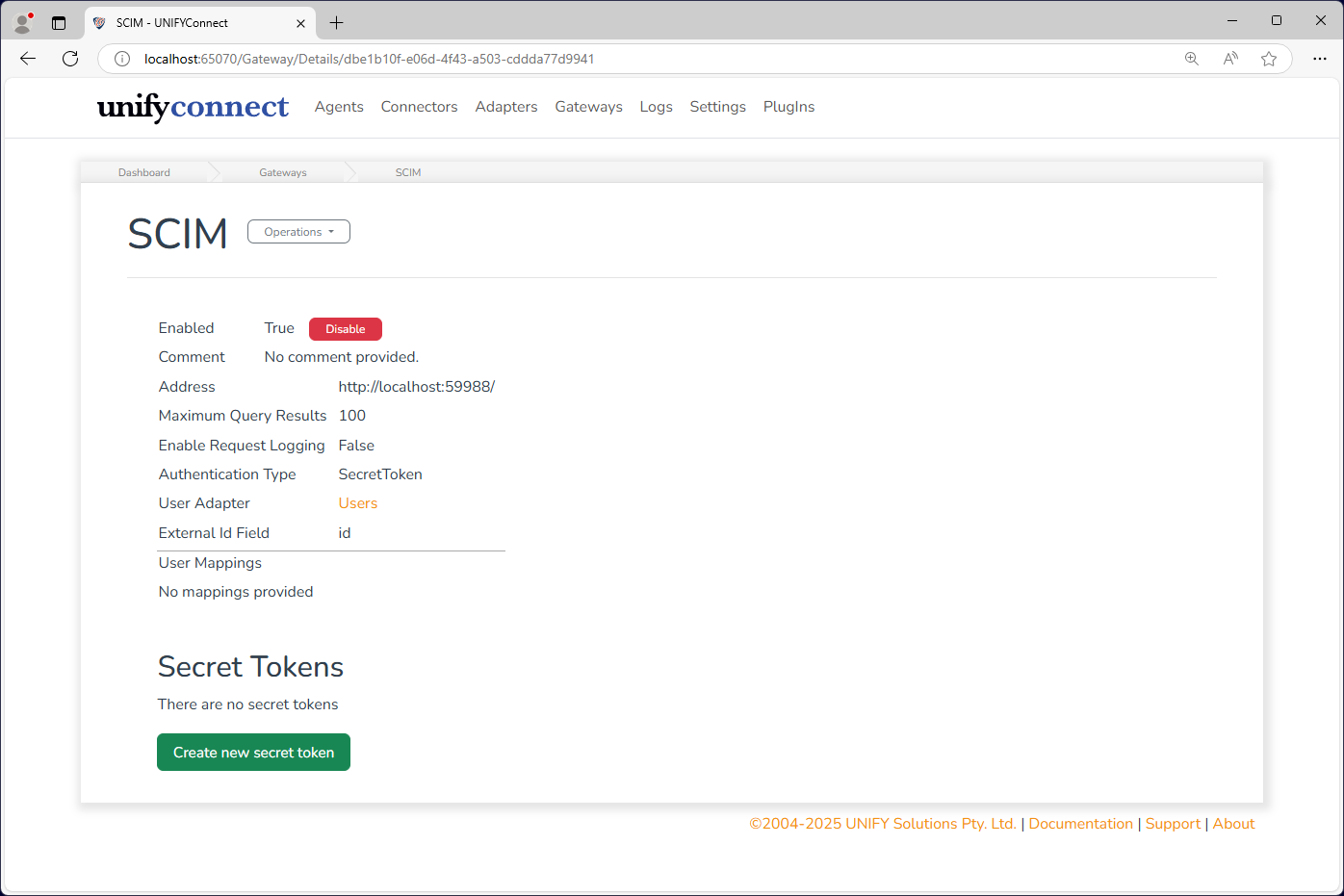
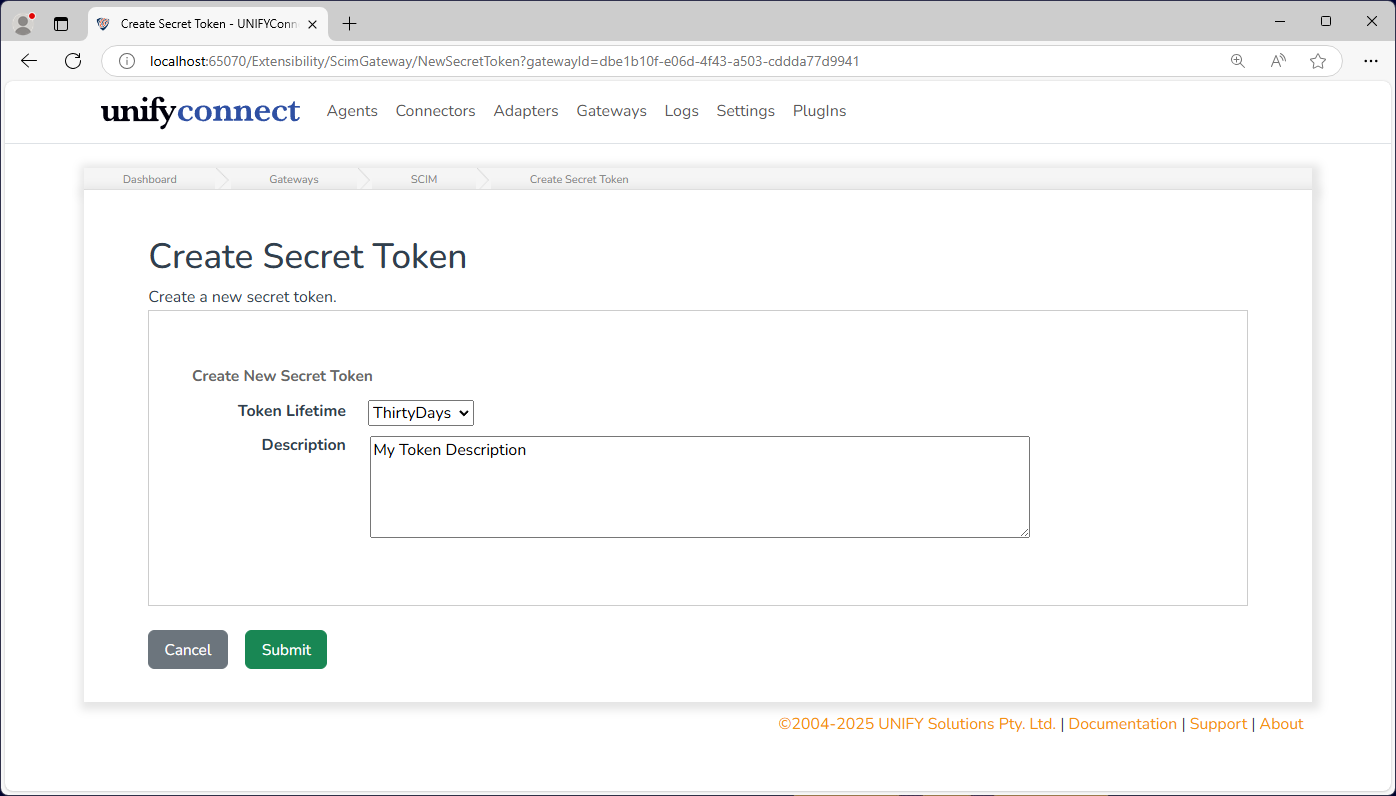
After a SCIM Gateway has been created using secret token authentication, the ability to generate new tokens will be available on the gateway details page.
| Name | Description |
|---|---|
| Token Lifetime | The length of time the token should remain valid for, from the date of creation. |
| Description | Arbitrary text to identify the token, or describe its usage. |
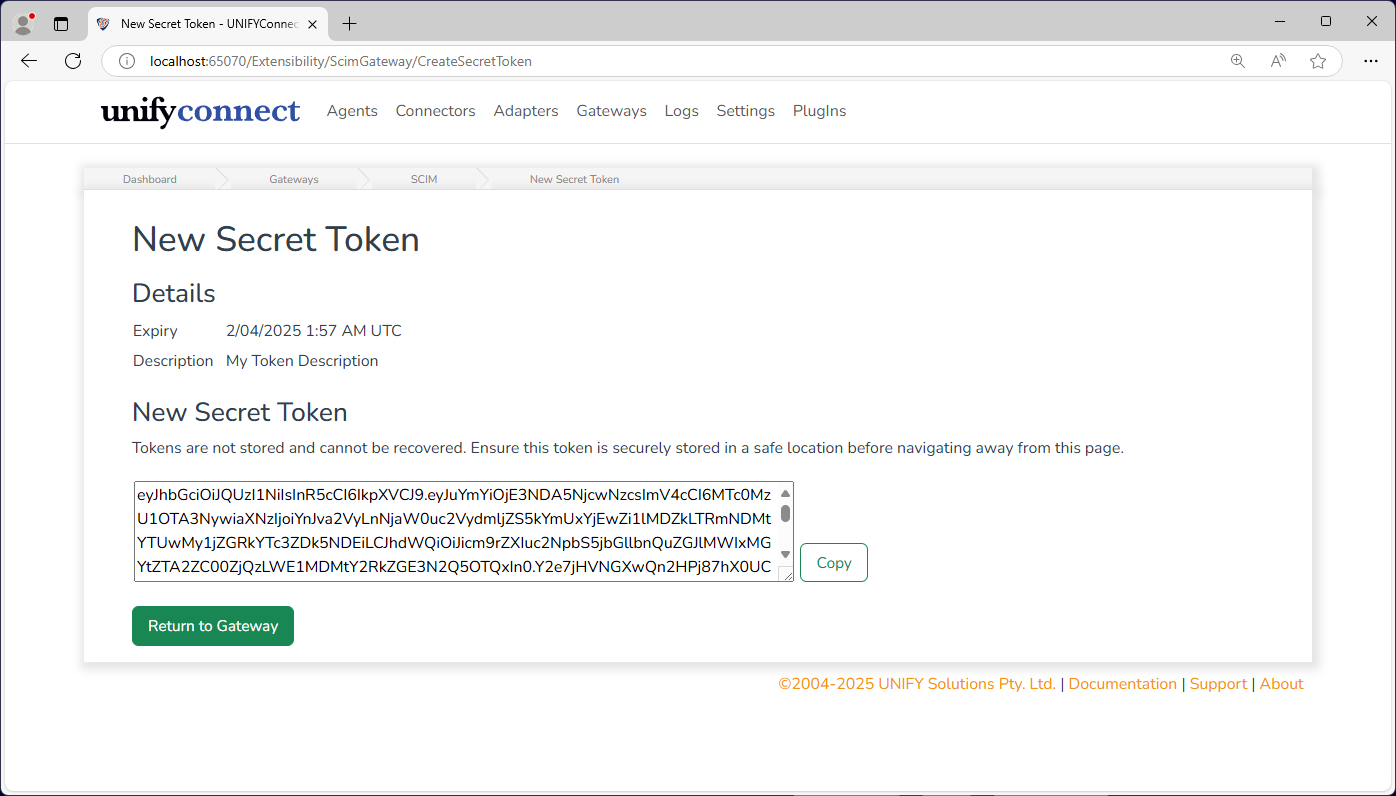
Once the token has been generated, it will be displayed. The token will only be displayed once, is not stored, and cannot be recovered if it is lost. Before leaving this page the token should be copied to a secure location.
Token Usage
Secret tokens should be used in the same way as a JWT bearer token: theAuthorization header set to Bearer <secret token>.
Entra ID (previously Azure Active Directory)
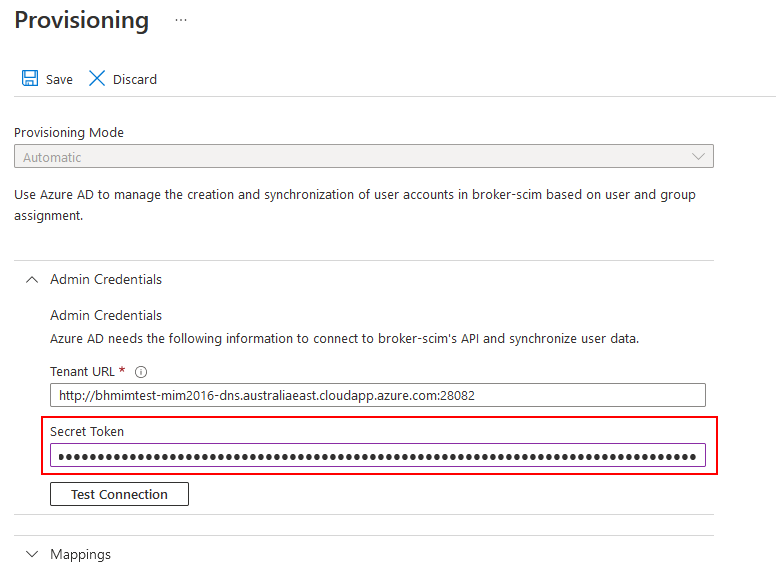
Secret token authentication is the recommended scheme for Entra provisioning. To use a secret token in Entra provisioning with simply add it as the Secret Token when configuring provisioning.