Configuring UNIFYConnect for use with IIS
For environments utilising the UNIFYConnect Web Component, or for finer control of security, access and other settings, UNIFYBroker can be configured for hosting by IIS.
CHECK
The optional IIS component ASP.NET v4.8 must be installed.
Setting up for use with IIS 10
To enable site settings to be managed from within IIS, the following XML must be added to a new file created at the path %systemroot%\system32\inetsrv\config\schema\configBuilders_schema.xml:
<configSchema>
  <sectionSchema name="appSettings">
    <attribute name="configBuilders" type="string" />
  </sectionSchema>
  <sectionSchema name="connectionStrings">
    <attribute name="configBuilders" type="string" />
  </sectionSchema>
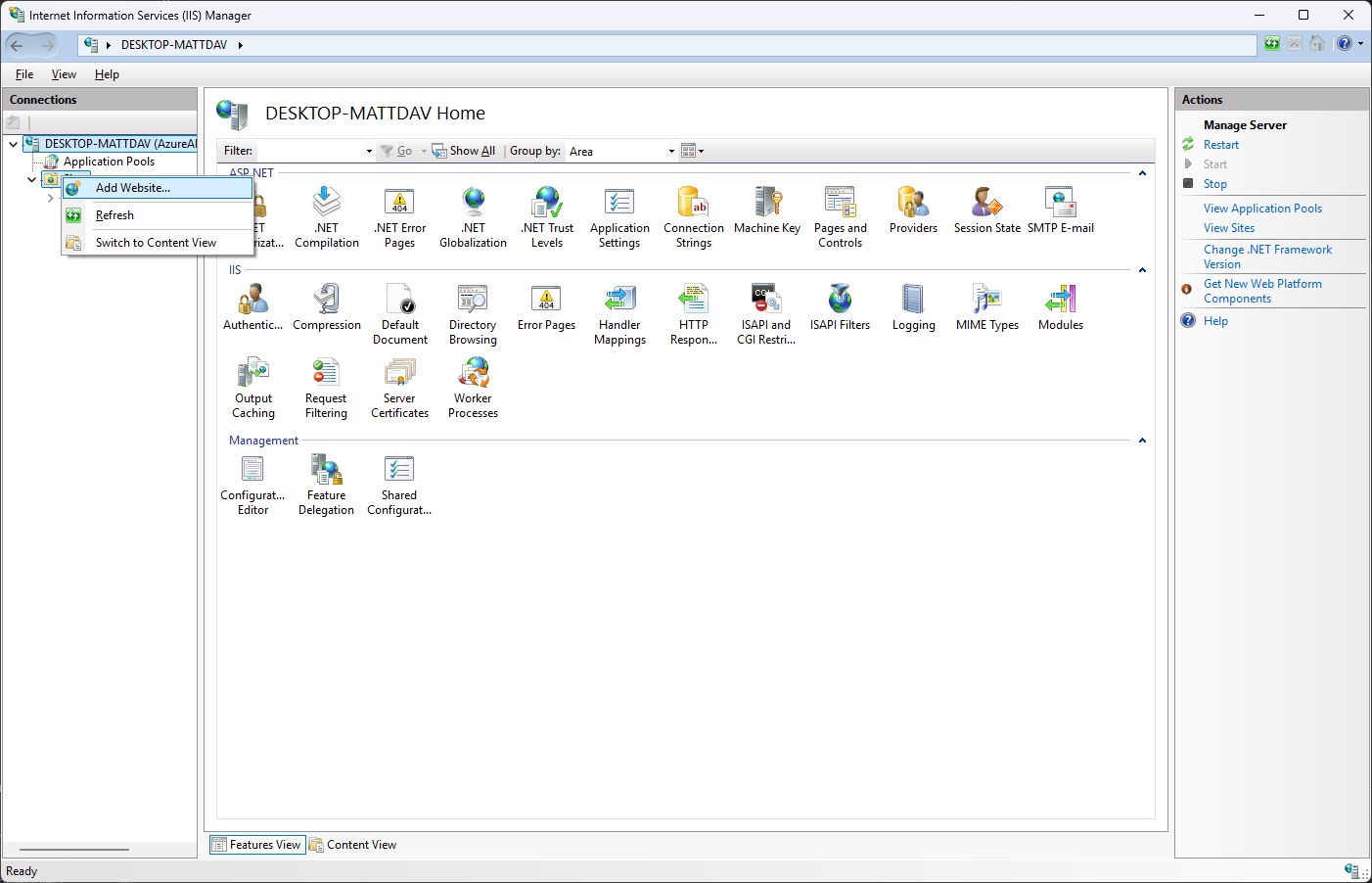
</configSchema>Right-click on Sites in the Connections pane and select Add Web Site....
Configure the website settings appropriately, ensuring to use a port that is not already in use. Ensure that the site is appropriately named, then select the physical path of the UNIFYConnect Web directory.
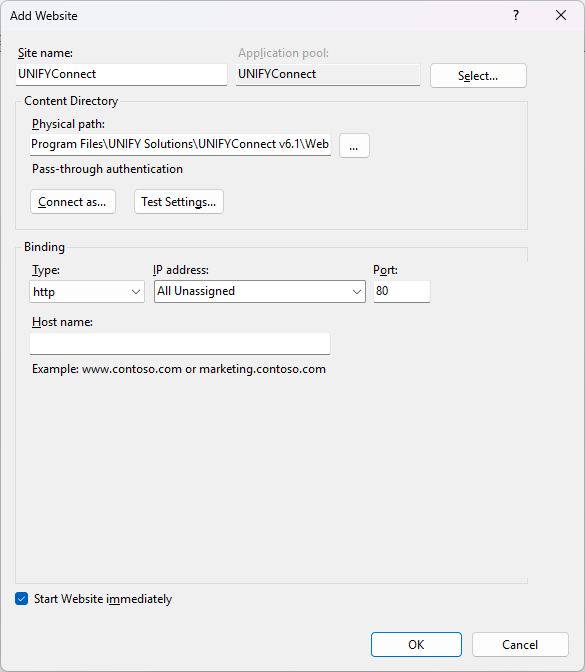
Confirm the site settings are correct, then click OK.
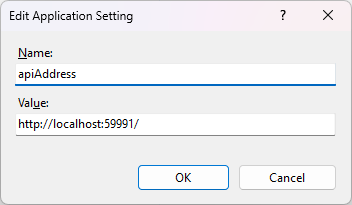
Select the appropriate site in the Connections pane and navigate to Application Settings.
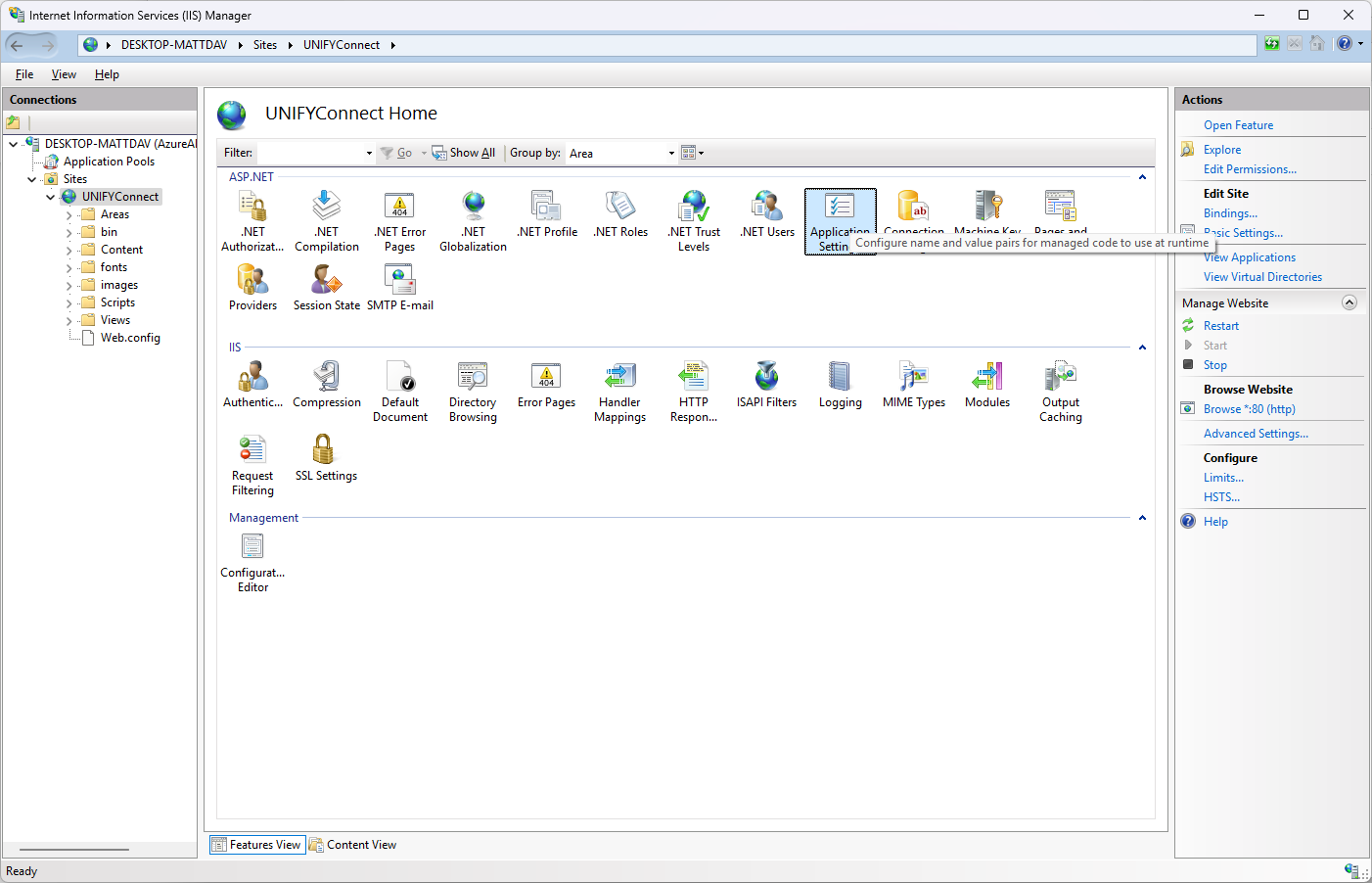
Ensure the apiAddress property is correctly configured and pointing to the UNIFYConnect service, then click OK.
CHECK
For a remote instance of the UNIFYConnect Service, ensure that the service endpoint can be contacted.
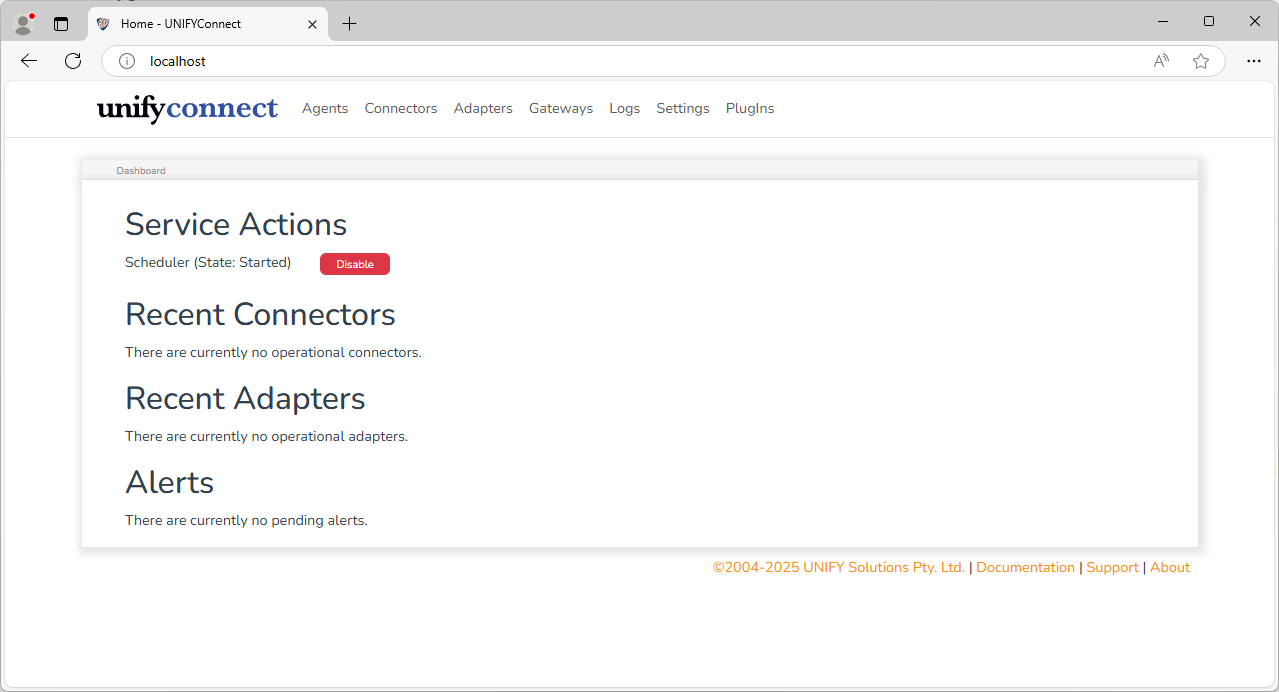
Confirm that UNIFYConnect has been successfully configured by browsing to the configured address, or by browsing from IIS Manager.