Group Transformation
Overview
The membership list is used to populate a target field with a set of values from joined entities of a relational target. the relational target can be either a connector or an adapter.
Use Cases
The membership list transformation can be used to accomplish goals such as the following:
- Generating a membership grouping for a relational item
Prerequisites
This transformation requires a relational Target.
Contribution
This transformation adds values from relational entities, either by:
selecting an attribute
or by defining a Distinguished Name template in a group target field.
or by creating a complex value containing the grouped entity attributes.
Configuration
The group transformation requires the following by way of configuration.
| Attribute | Description |
|---|---|
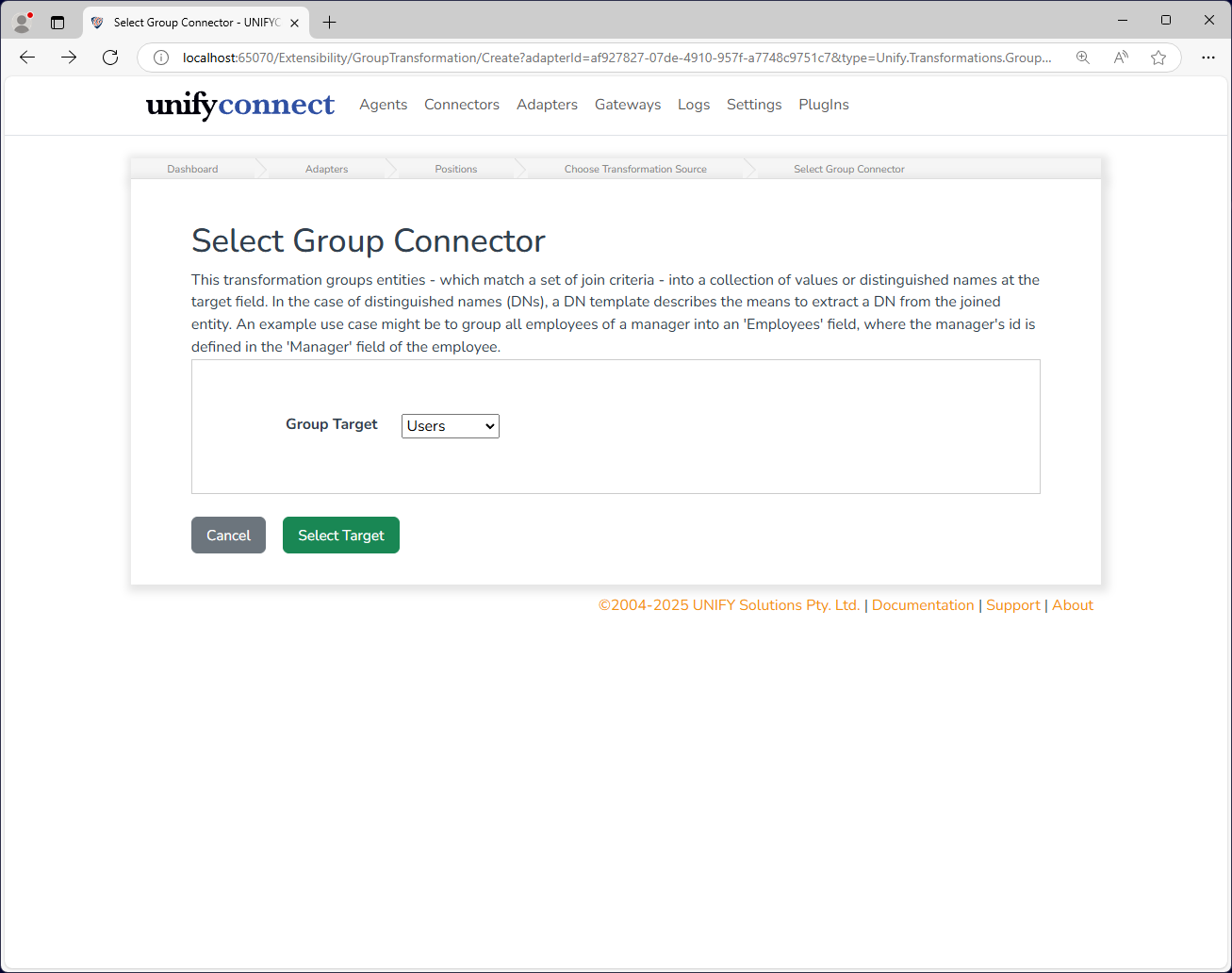
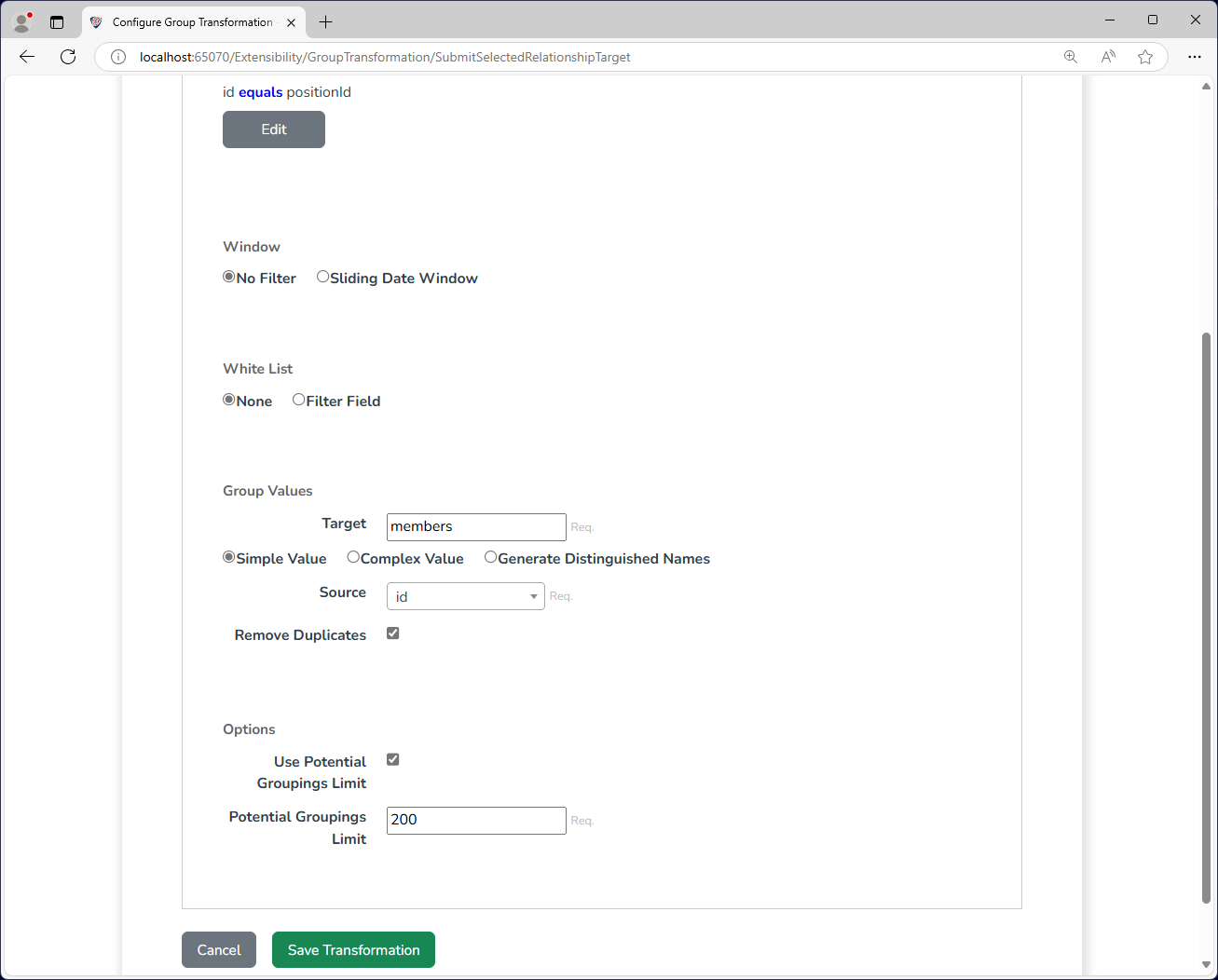
| Group Target | A relational connector or adapter to be grouped on. |
| Group Criteria | One or more pairs of relational target attributes that map to adapter attributes. |
| Window | A start and end timestamp/date field on the relational target(and optional offsets) which will omit a relation from the transformation if the processing date is not between the two. |
| White-list | Provides a list of values corresponding to a relational target attribute values to permit, while excluding all others. |
| Target | This is the key column name which is the target output of the group membership list. The generated Distinguished Names for each matching item will be added as multi-values to this field. |
| Simple Value | Select this if you want the target field to consist of simple values which are taken from an attribute of the matched items. |
| Generate Distinguished Names | Select this if you want the target field to be populated by generating Distinguished Names from the matched items. |
| Fail on missing fields/Skip missing fields | Determines whether the distinguished name generation should fail if any of the fields are not populated. |
| Complex Value | Select this if you want the target field to be a complex value field consisting of the grouped entities' attributes. |
| Custom Complex Mapping | If checked, it will allow you to specify mappings for selected attributes of the grouped entity to be included in the target complex field.the mapping maps the attribute value to a key of choice.Note: This option is available if the complex value is selected. |
| Source | If Simple Values is selected, this determines which attribute of the matched items will be used to populate the target values. |
| Template | If Generate Distinguished Names is selected, this is the DN template that will be used to generate the distinguished names. An adapter may be selected to generate the DNs as full UNIFYConnect distinguished names. |
| Remove Duplicates | If selected, no duplicate DNs will be added to an entity. |
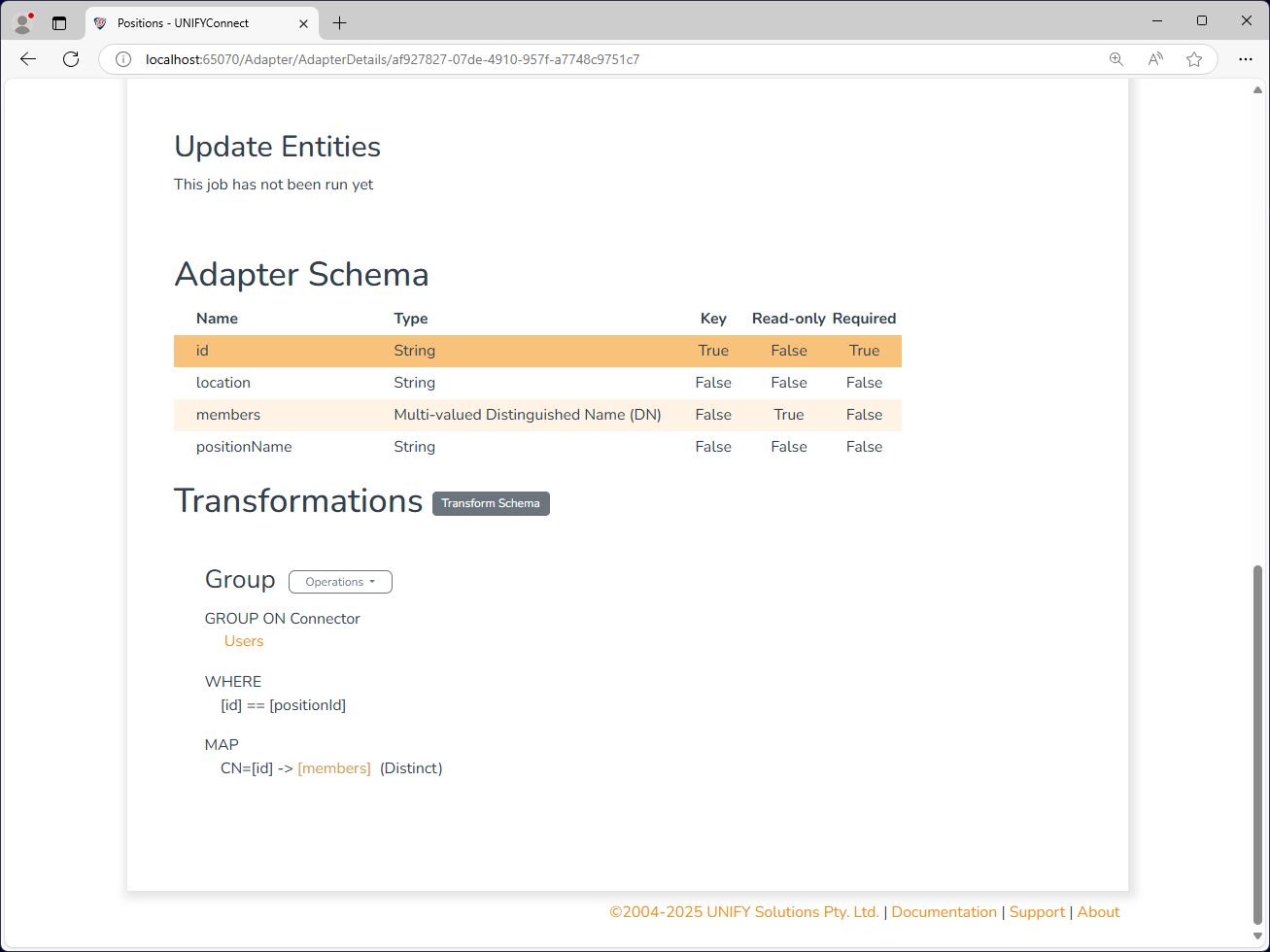
The above configuration calculates members of each position by grouping user IDs based on their PositionID.
Sliding Date Window
| Attribute | Description |
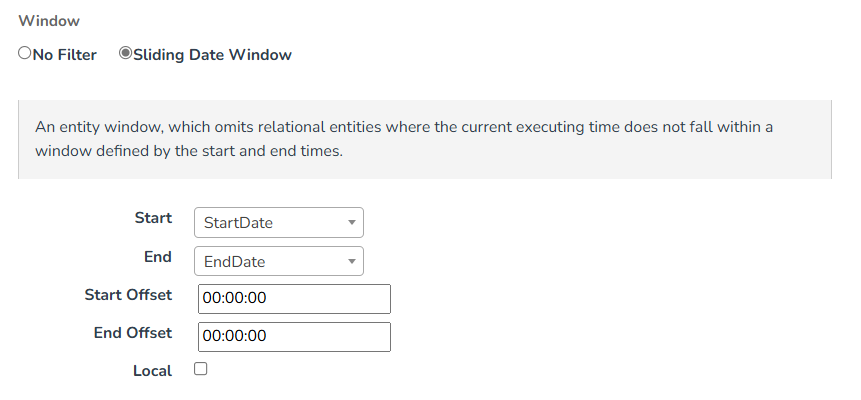
| Start | The field maintaining the value at the start of the window. Entities on the grouped target will be filtered by the start timestamp field which is earlier than now. |
| End | The field maintaining the value at the end of the window. The field stores the end time stamp. Entities on the grouped target will be filtered by the start timestamp field which is later than now. |
| Start Offset | A time offset to be applied to the start value. |
| End Offset | A time offset to be applied to the end value. |
| Local | Whether to convert the local comparison time into UTC time. |
WARNING
When using a Date-typed fields for the start and end configuration options the values represent 12 am of that day. For example: 10/2/2015 is regarded as 10/2/2015 12.00.00 am.
If the end date value is intended to be inclusive, that is the end date is the last day the window is active, a +1 day End Offset should be configured. For example: With an inclusive end date of 12/6/2015 and a +1 day end offset, the window closes at 13/6/2015 12.00.00 am, the end of the 12th.
White List
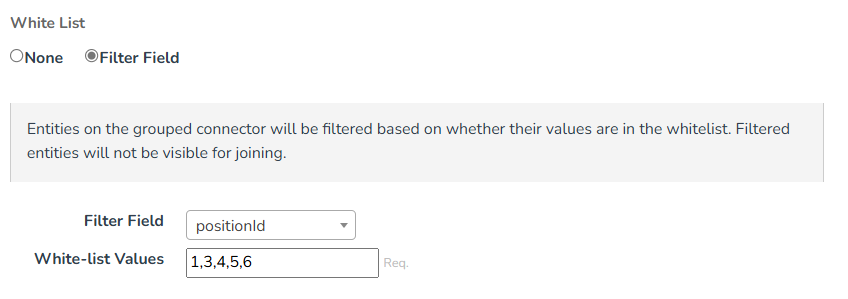
| Attribute | Description |
|---|---|
| Filter Field | Entities on the grouped target will be filtered by "Filter Field" based on whether their values are in the whitelist. |
| White-list Values | Collection of whitelist values that will reduce the set of visible entities on the join. Whitelist values are to be comma separated. |
Potential Group Limit
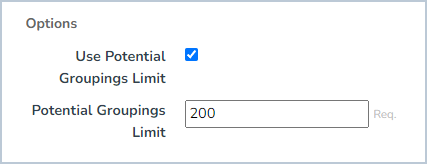
A limit to the allowed number of potential relational entities that can be selected for grouping by the group criteria. This protects against misconfigured transformations or bad data producing an excessively large number of potential groupings, causing performance issues or the service locking up.
Change Processing
During the change detection process, a change will be flagged if any of the relationship fields are changed, or if any members are to be added, updated, or removed.