PowerShell Log Writer
Overview
The PowerShell logger can be used to perform a custom action for log entries using PowerShell script.
NOTE
View PowerShell in UNIFYConnect for more information on the version of PowerShell used by UNIFYConnect.
Considerations
Use of this logger is encouraged in conjunction with a log filter in order to reduce the number of log entries that are sent to the script, as UNIFYConnect can create a lot of logging information.
Configuration
The PowerShell writer requires the following by way of configuration:
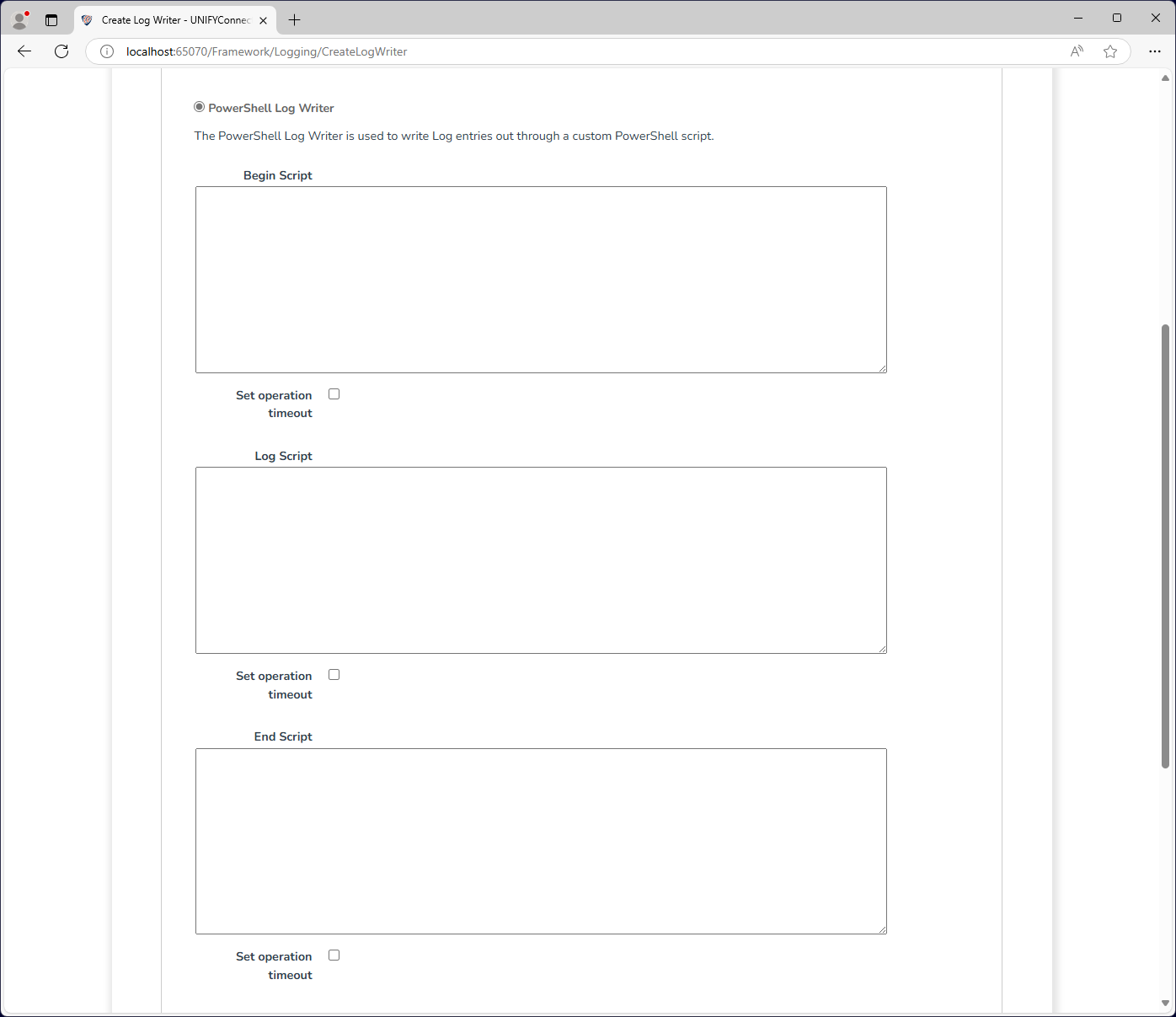
| Attribute | Description |
|---|---|
| Name | The display name of the log writer which is used for identification throughout UNIFYConnect. |
| Begin Script | The script to execute when the log writer is initialized. |
| Log Script | The script to execute to log. The log entry can be accessed using the $logEntry object. |
| End Script | The script to execute when the log writer is disposed. |
$logEntry
| Property | Description |
|---|---|
| Timestamp | (DateTime) - The timestamp of the logged item. |
| LogEntryModule | (String) - The module or component from which the log item was risen. |
| LogEntrySeverity | [Information|Warning|Error] - The severity of the log item. |
| LogEntryMessage | (String) - The message of the log item. |
| LogEntryLevel | [Diagnostic|Verbose|Normal|Minimal] - The level of the log item. |
| LogEntryData | (Dictionary {string, object}) - The data for the logged item. |
Operation Timeout
All script type supported by the PowerShell log writer provide the option to set an operation timeout. If enabled, UNIFYConnect will forcibly terminate the execution of a PowerShell script once the configured duration has passed.
WARNING
The termination of an executing PowerShell script from an exceeded operation timeout may result in an undesired state, depending on the script and its behaviour. In these cases, it is recommended to handle the termination gracefully from within the script where this is possible, and rely on the operation timeout for cases where it is not.