Connector Schedules
Overview
A schedule determines the frequency with which the UNIFYConnect engine will trigger connector operation. If multiple schedules are present, the connector operation will run multiple times according to the rules defined for each schedule. Connectors can be configured to have zero or more schedules for each operation type.
Create a Schedule
Usage
A schedule is made up of a combination of a singular base occurrence, and zero to many timing properties.
Schedule dates and times displayed by the web component use the web server's local time zone. If the web component and UNIFYConnect service run on different hosts, ensure their time-zone configuration is intentional and account for the difference when configuring a schedule.
To display the web server's time zone in the page footer, add the following application setting to the web component's Web.config:
<add key="showTimeZone" value="true" />Base Occurrence
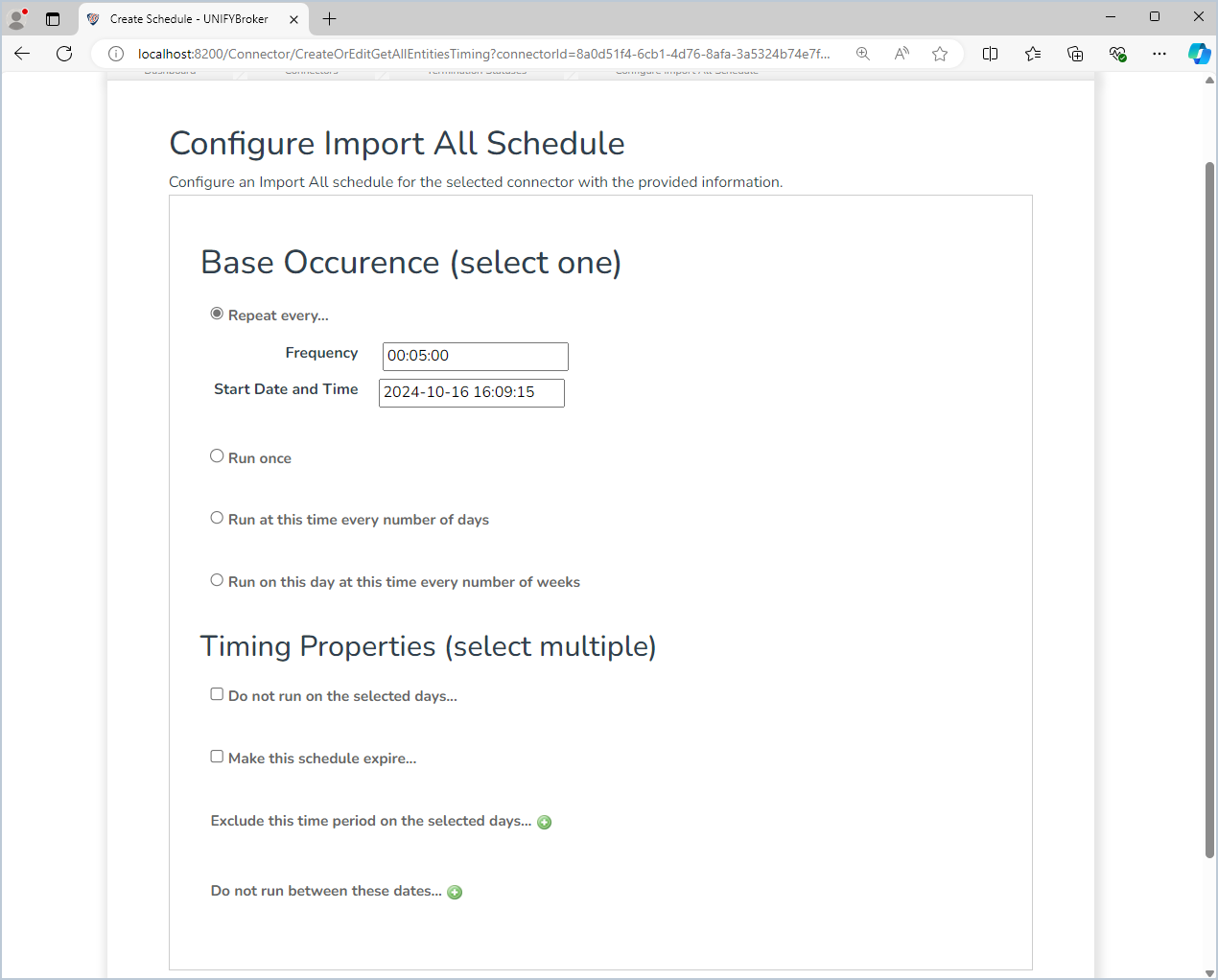
The base occurrences options are:
- Repeat every... - Reoccur for a specified timespan.
- Run once - Run once on a certain date at a certain time.
- Run at this time every number of days - Reoccur every certain number of days at a particular time.
- Run on this day at this time every number of weeks - Reoccur every certain number of weeks on a certain day at a certain time.
Timing Properties
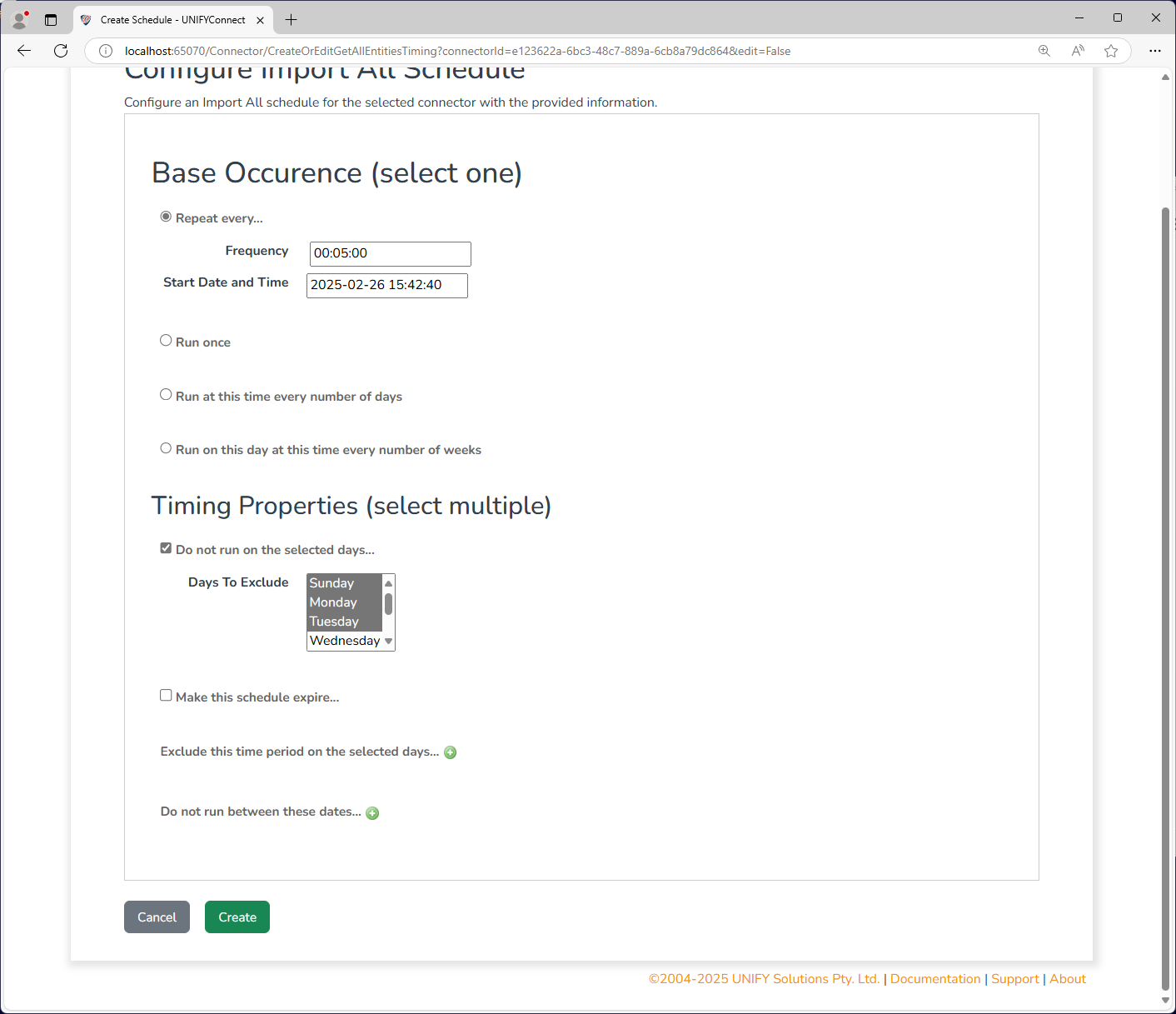
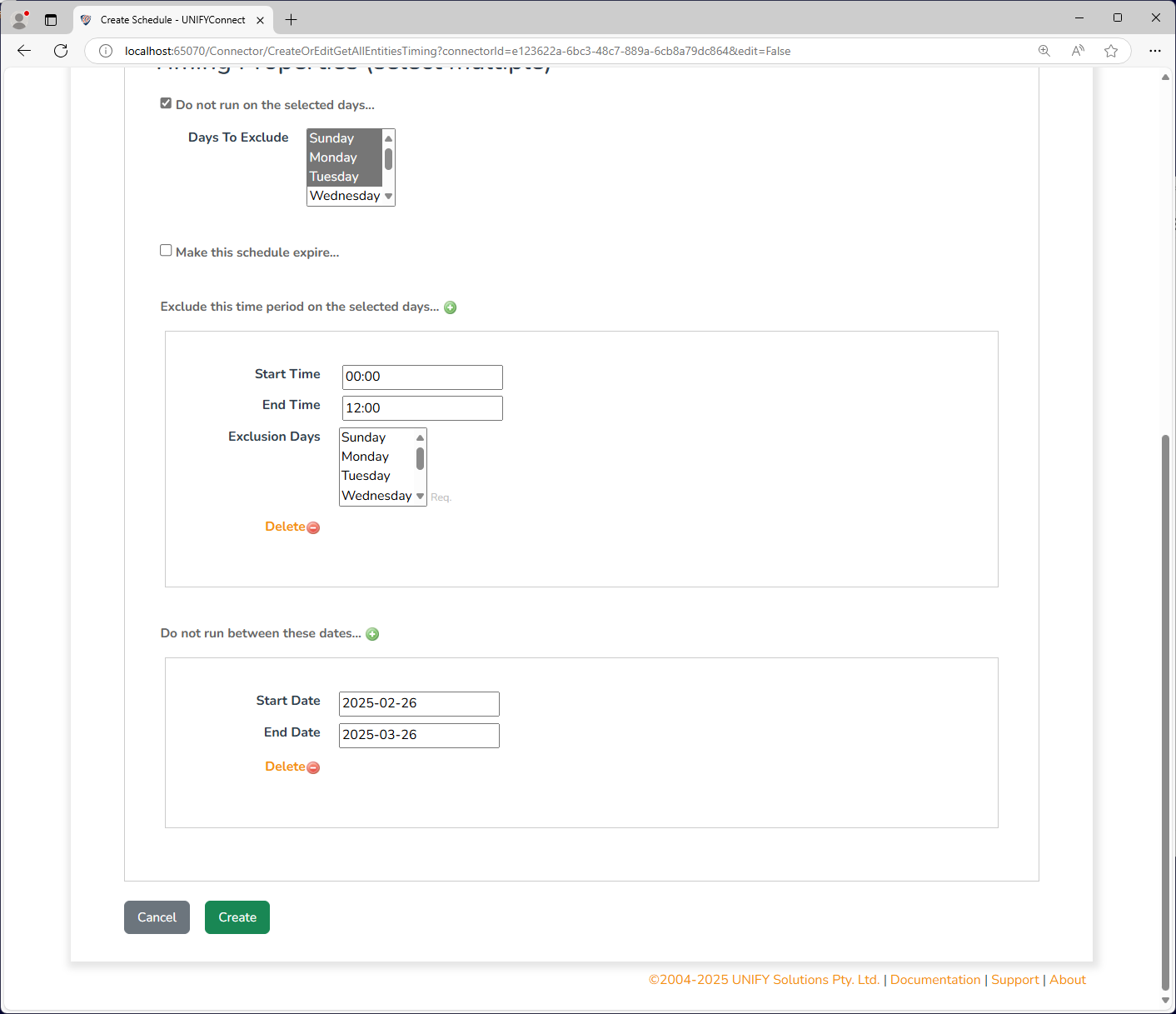
In addition to the above base occurrences, the following additional timing properties can be configured:
- Do not run on the selected days... - Allows certain days of the week to be excluded from the schedule.
- Make this schedule expire... - Expires the schedule after a certain date and time so that it no longer applies
- Exclude this time period on the selected days... - Allows a time range on a number of days to be Excluded from the schedule.
- Do not run between these dates... - Allows a range of dates to be excluded from the schedule.
Most scheduling scenarios can be covered with the above options, or by combining multiple schedules for each operation list.
Use Cases
The combination of multiple schedules allows for a variety of use cases, including the following:
- Run every 3 hours, but not between 3 pm and 5 pm on Thursdays and Fridays.
- Run every week on Thursday at 12:30 pm, but not between the 1st and 4th of April.
- Run once a day at noon, but stop running after the 31st of December.
TIP
It should also be noted that there are valid cases where it is useful not to have a schedule on a connector. This includes connectors which should only ever be triggered from UNIFYConnect manually, or through a relevant UNIFYNow operation.
Multiple schedules
Schedules are atomic, and do not interact with each other. Multiple schedules will allow the connector to run multiple times in accordance with each configuration. For example, in the following case:
- One schedule running every 30 seconds, but not on Tuesdays.
- One schedule running every 45 seconds, with restrictions specified.
The connector operation will run both every 30 seconds not on Tuesdays and also every 45 seconds, including Tuesday. This should be kept in mind when configuring multiple schedules so that connector operations do not run unexpectedly or at undesired times.
Setting up multiple exclusion periods
The above holds true for schedules with exclusion periods, in that the exclusion will not prevent another schedule from running. To enforce multiple exclusion periods for dates or days, schedules will need to expire at the end of the specified exclusion period so that they do not keep running and overlap with other schedules. Moreover, later exclusion periods should be set up to start from a date and time following the initial exclusion period. For example, to create a 30-second interval schedule that excludes the 16th of June, and also excludes between the 18th and 20th of June, the schedules will need to be set up as follows:
- Running every 30 seconds, excluding the 16th of June expiring at the end of the 16th of June.
- Running every 30 seconds, starting from the 17th of June at midnight excluding the 18th to the 20th of June.
This will ensure that the schedules do not still run connector operations during an intended outage period.
Considerations
Availability and quality of server resources should be considered when creating schedules for particular connectors, to not too heavily burden the identity management solution. The duration of certain operations should also be considered. It is recommended that schedules are tested in a development or test environment before being launched into production.
Connector Groups can be used to prevent connector operations from running simultaneously with other connectors, regardless of their scheduling configuration.