Creating the UNIFYConnect Database
UNIFYConnect requires a SQL Server or PostgreSQL database in order to operate. One must be created and initialized manually using the scripts present in the installation directory.
See Prerequisites for a list of supported database engines to store UNIFYConnect's service data.
A script to create the correct database structure is included at%InstallDir%\Database\SqlServer\install.sql for SQL server database installation or %InstallDir%\Database\PostgreSql\install.sql for PostgreSQL database installation.
Creating SQL Server Database
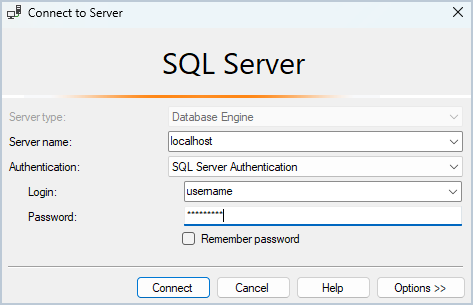
Open Microsoft SQL Server Management Studio and connect to the target SQL Server instance noted in the Microsoft SQL Server instance section of UNIFYConnect Installation Prerequisites.
Create a new database on this server.
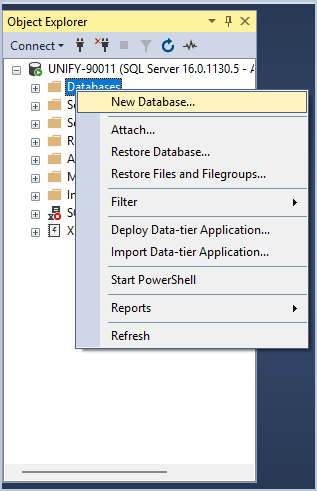
Follow any policies that your organisation may have surrounding creation and maintenance of SQL Server databases. The database may be given any name, as long as the Data Configuration is suitably configured.
TIP
See Database Recommendations for security requirements and better database performance.
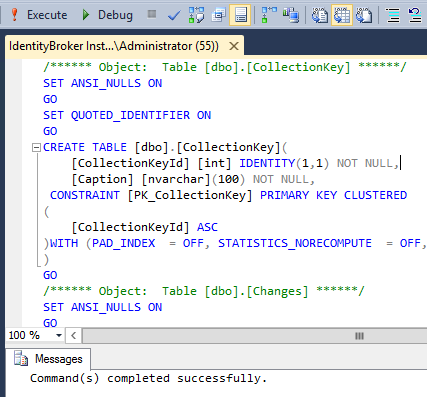
Open the SQL script located at %InstallDir%\Database\SqlServer\install.sql in Microsoft SQL Server Management Studio, and ensure the newly created database is selected from the database drop-down box.
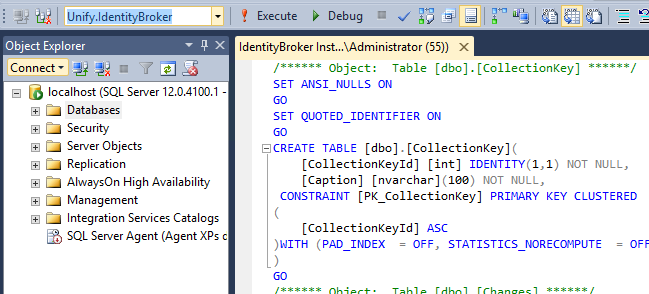
Execute the script by choosing the Execute command from the toolbar.
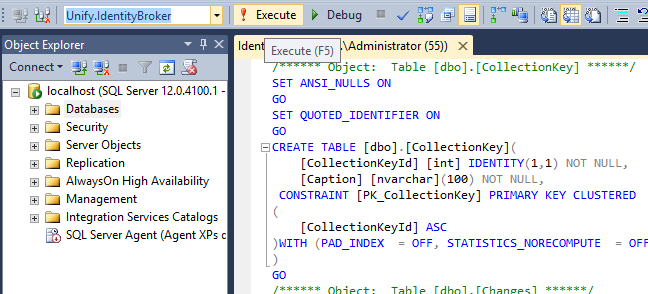
SQL Server Management Studio will then indicate that the database script has been run successfully.
Creating PostgreSQL Database
Follow the instructions below for installation:
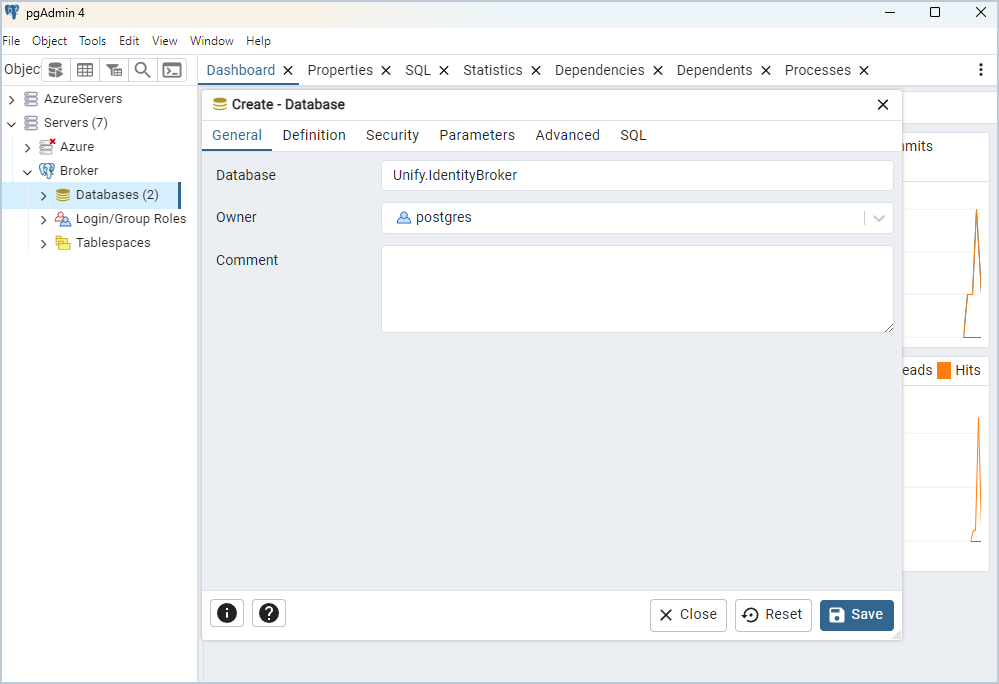
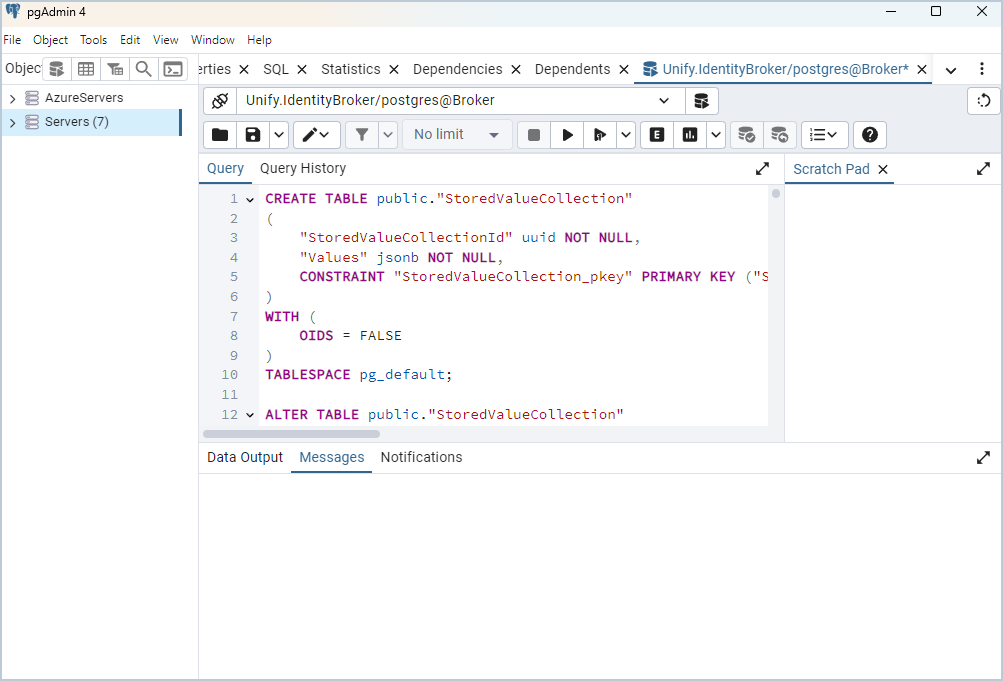
Log onto the PostgreSQL server with pgAdmin or via the command line tool and create a new database
TIP
If the PostgreSQL server user account name is not the default postgres, then the above install script will need to be edited to reflect this. Open the SQL script in a text editor and replace all instances of postgres with the correct account name. Note that if the database is hosted on an Azure Database for PostgreSQL server which displays the account name as <name>@<server> then only the name component preceding the @ symbol should be used in the script.